
On Mobile (iOS & Android)
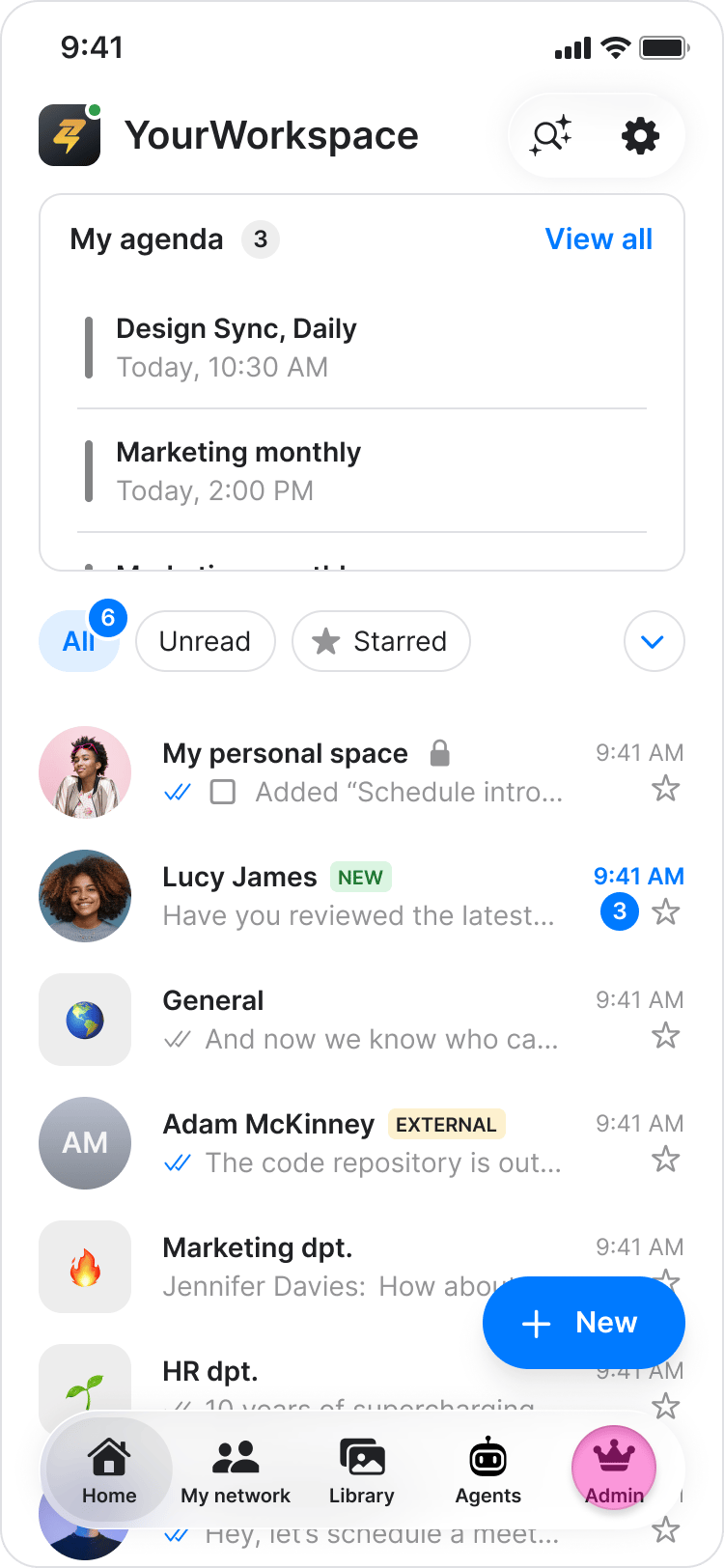
- Tap “Admin” at the bottom of your screen.
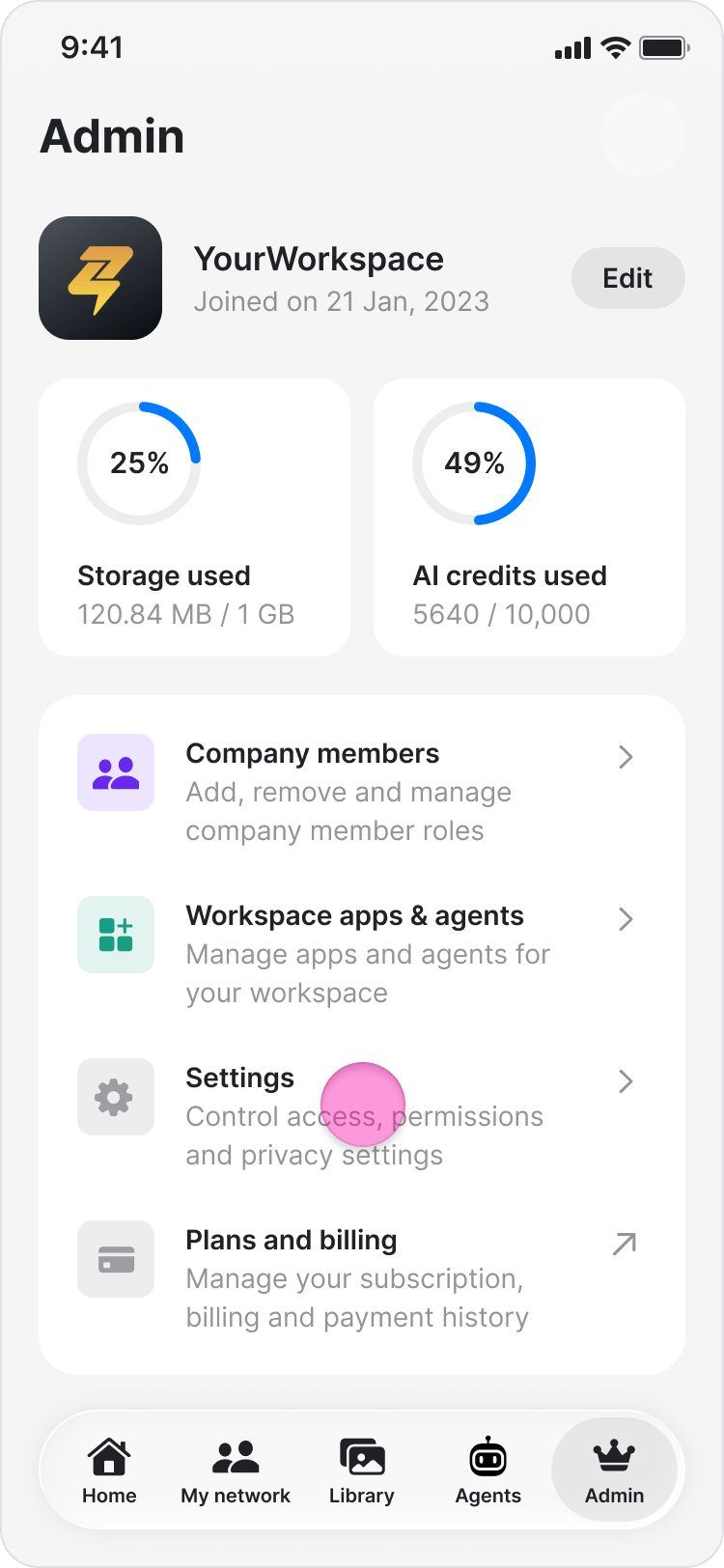
- Tap “Settings”.
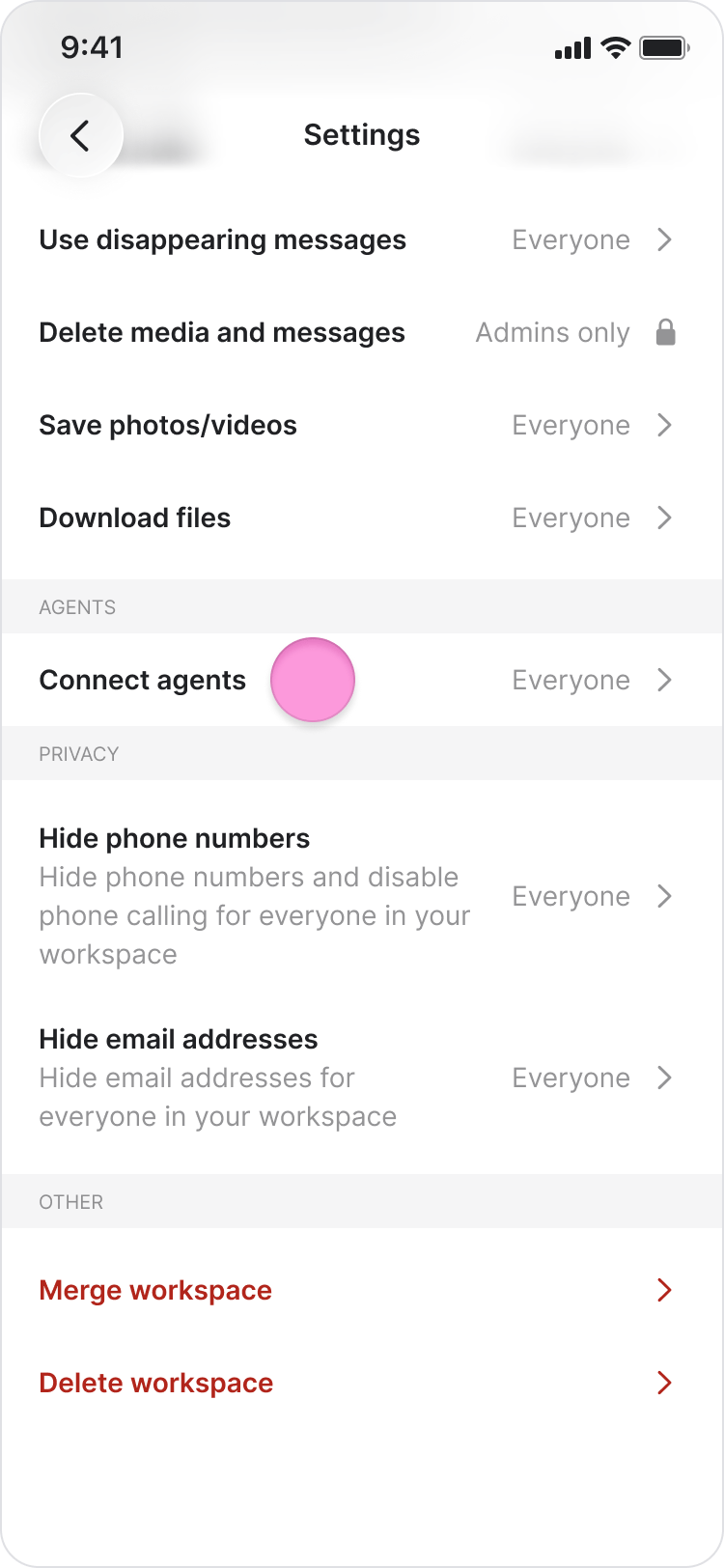
- Under the Agent section, tap on “Connect agent”.
-
Choose who can connect agents in your workspace:
- “Everyone”
- “Admins only”
- “Admins & Managers”
- Tap “Confirm”.
- The person who connects an agent becomes its owner and must be a member of any chat where the agent is added.
- If agent connection is restricted, new members who do not have permission will not see the option to connect an agent.
- Regardless of the connection permission you set, workspace admins can disconnect any agent in the workspace (see Disconnect an AI Agent for details).
On Desktop (Windows & Web App)
- In the sidebar, click “Organization”.
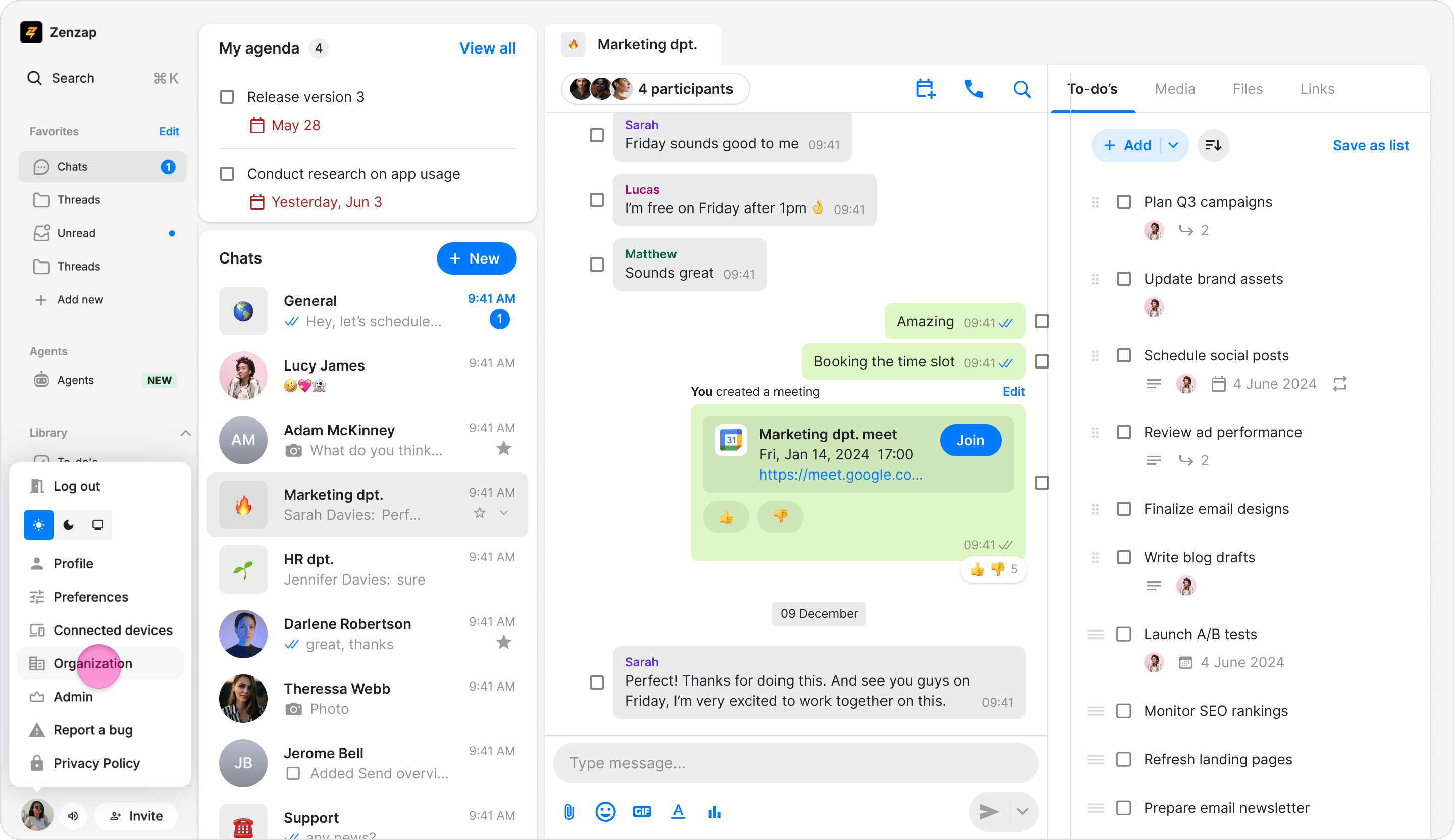
- Under the Agent section, choose who can connect agents in your workspace: “Everyone”, “Admins only”, “Admins & Managers”
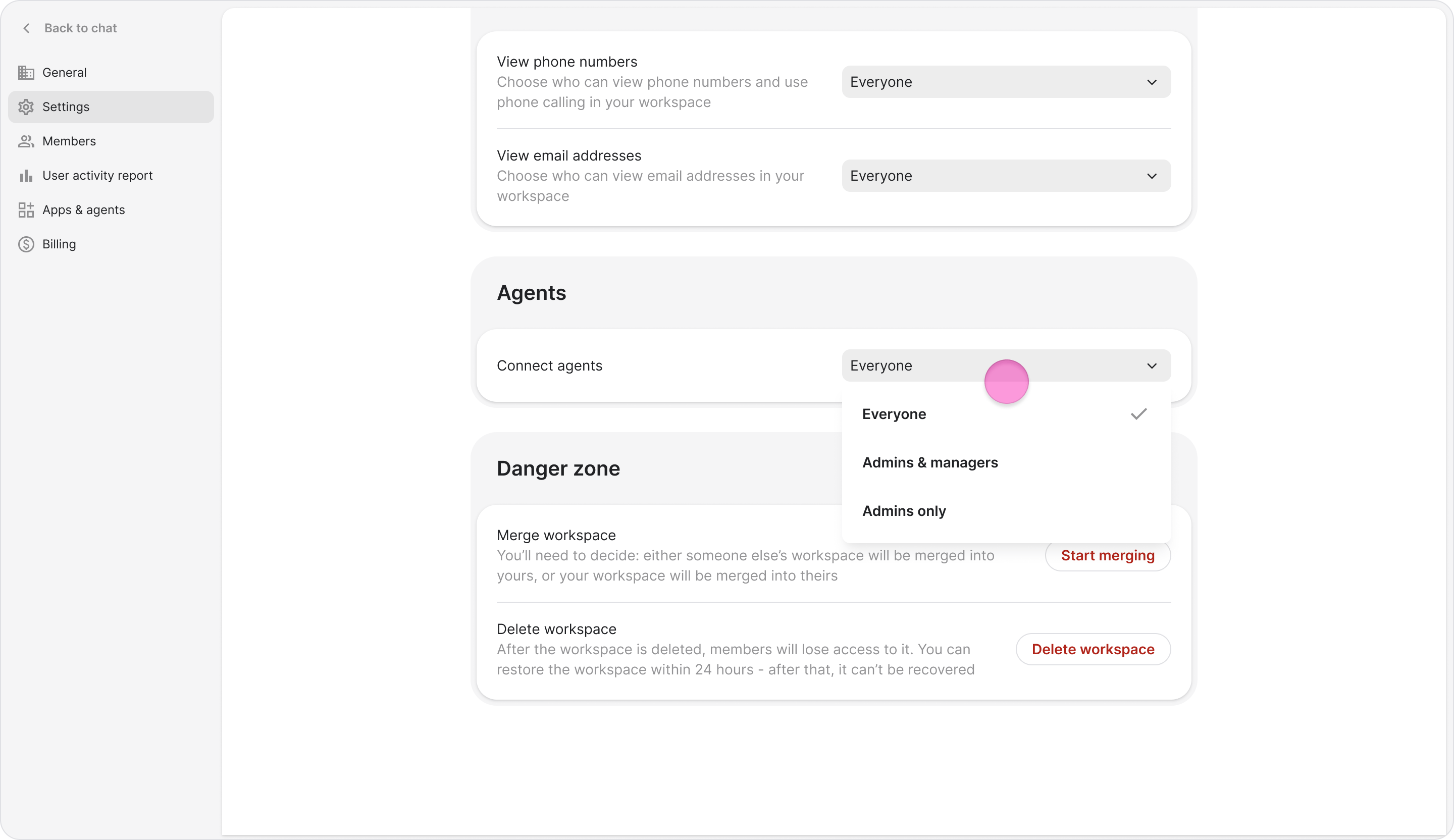
- The person who connects an agent becomes its owner and must be a member of any chat where the agent is added.
- If agent connection is restricted, new members who do not have permission will not see the option to connect an agent during onboarding.
- Regardless of the connection permission you set, workspace admins can disconnect any agent in the workspace (see Disconnect an AI Agent for details).