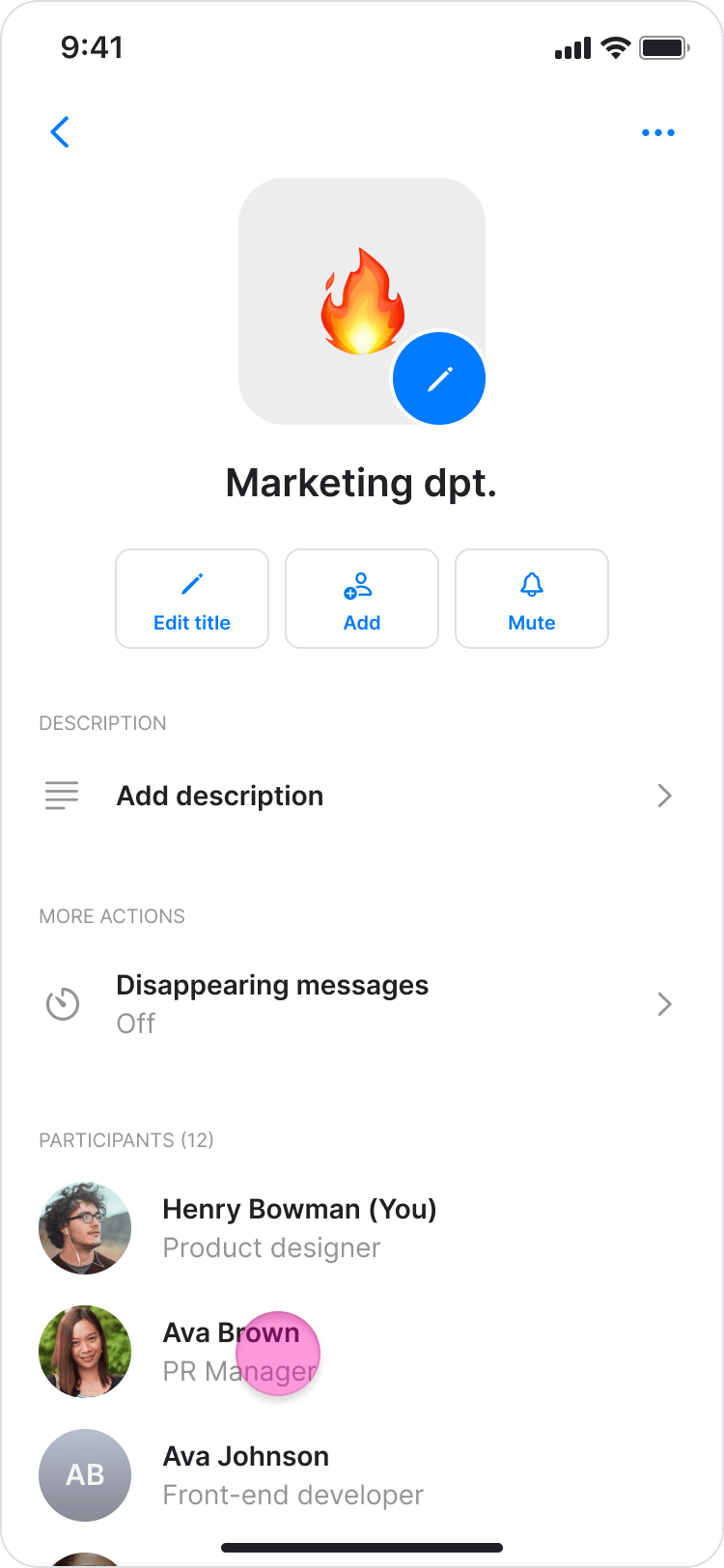
On Mobile (iOS & Android)
Follow these steps to remove people from a topic/group chat using the Zenzap mobile app.- Open the group chat you want to remove someone from.
- Tap the topic name at the top of the screen to view the participant list.

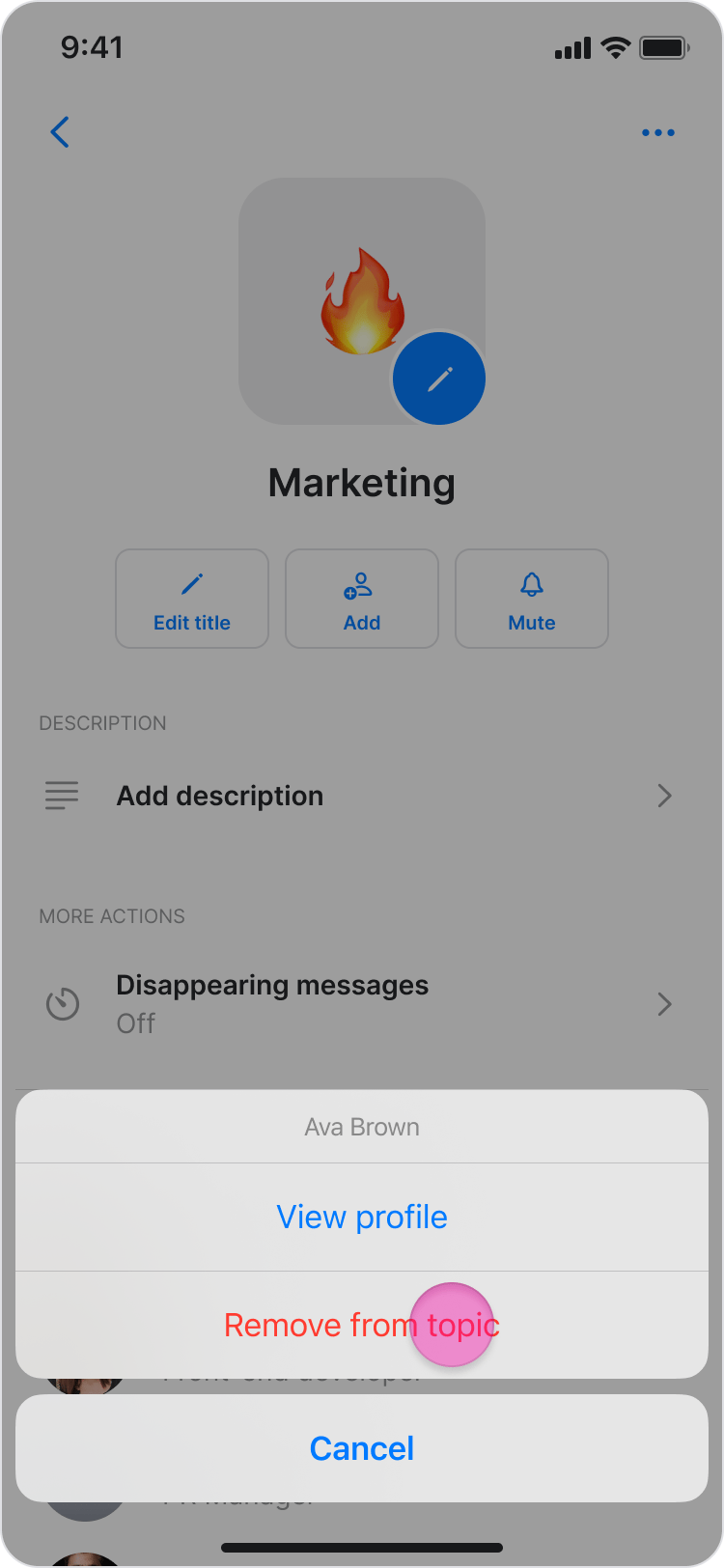
- Tap the name of the person you want to remove.
- Select “Remove from topic”.
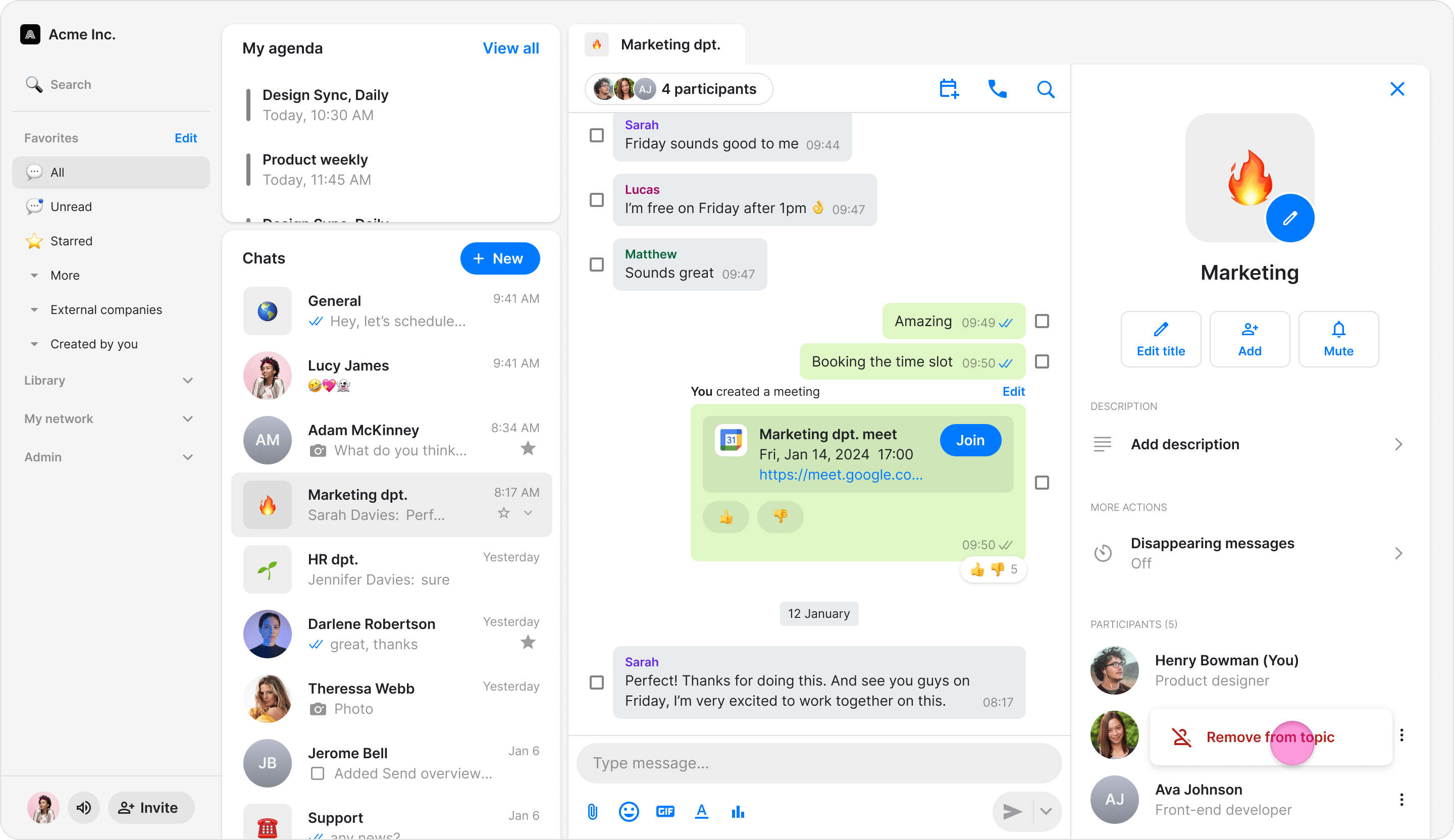
On Desktop (Windows, macOS, & Web App)
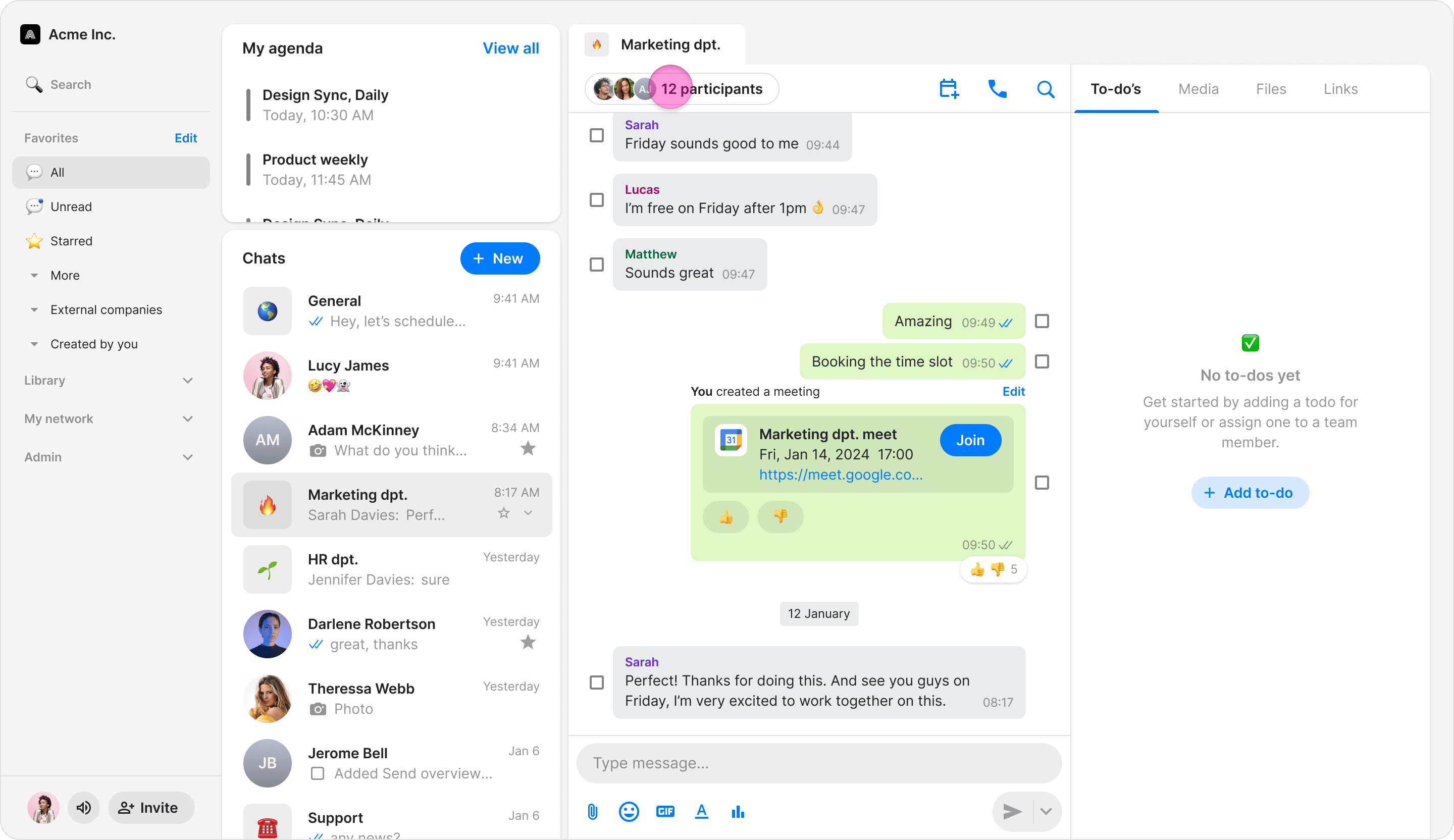
Follow these steps to remove people from a topic/group chat using the Zenzap desktop or web app.- Open the group chat you want to remove someone from.
- Click the member icons under the topic name to view the participant list.
- Click the three-dot icon to the right of the person’s name.
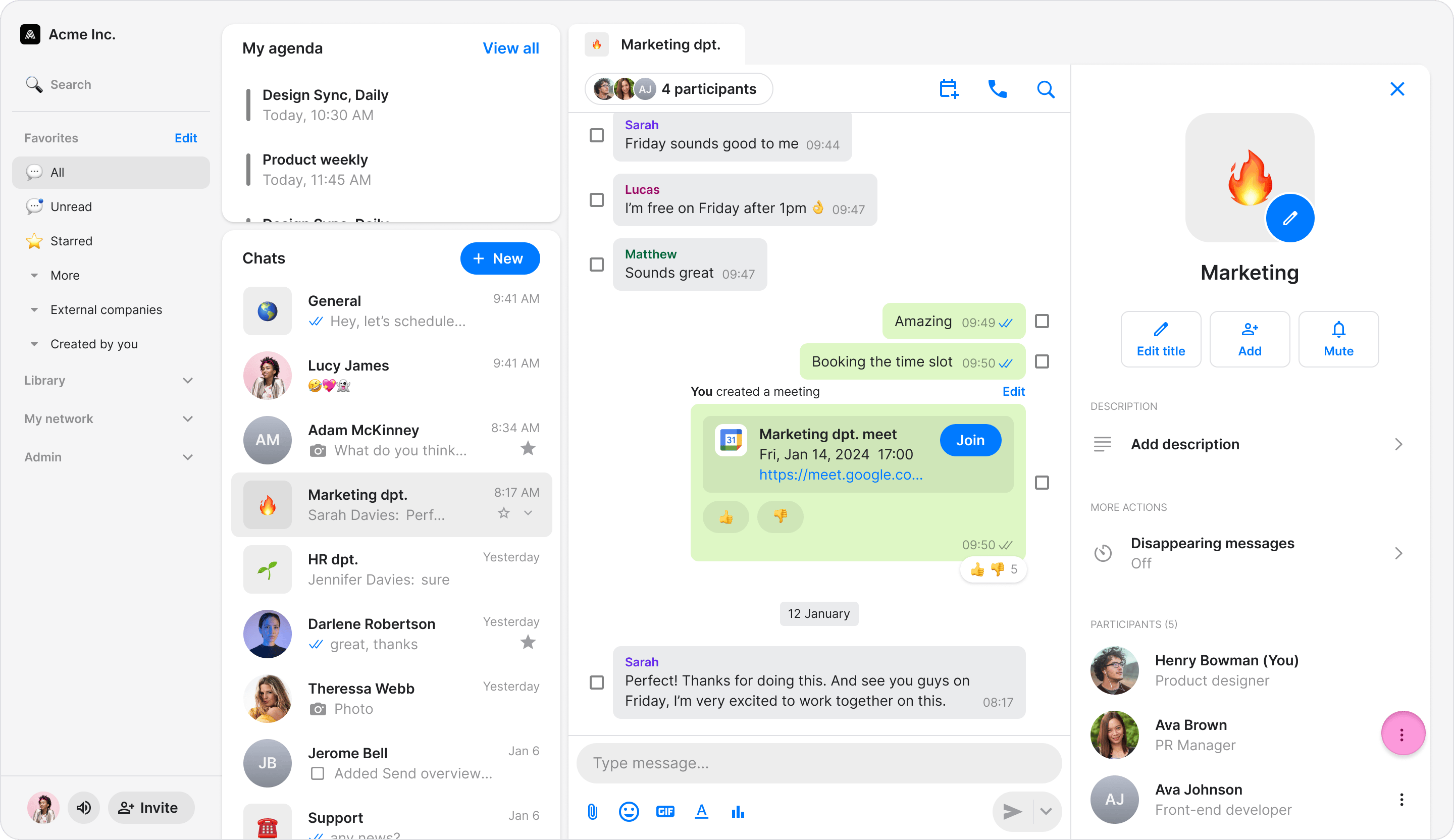
- Select “Remove from topic”.