
On Mobile (iOS & Android)
Follow these steps to add people to a topic or group chat using the Zenzap mobile app.- Open the topic or group chat you want to add people to.
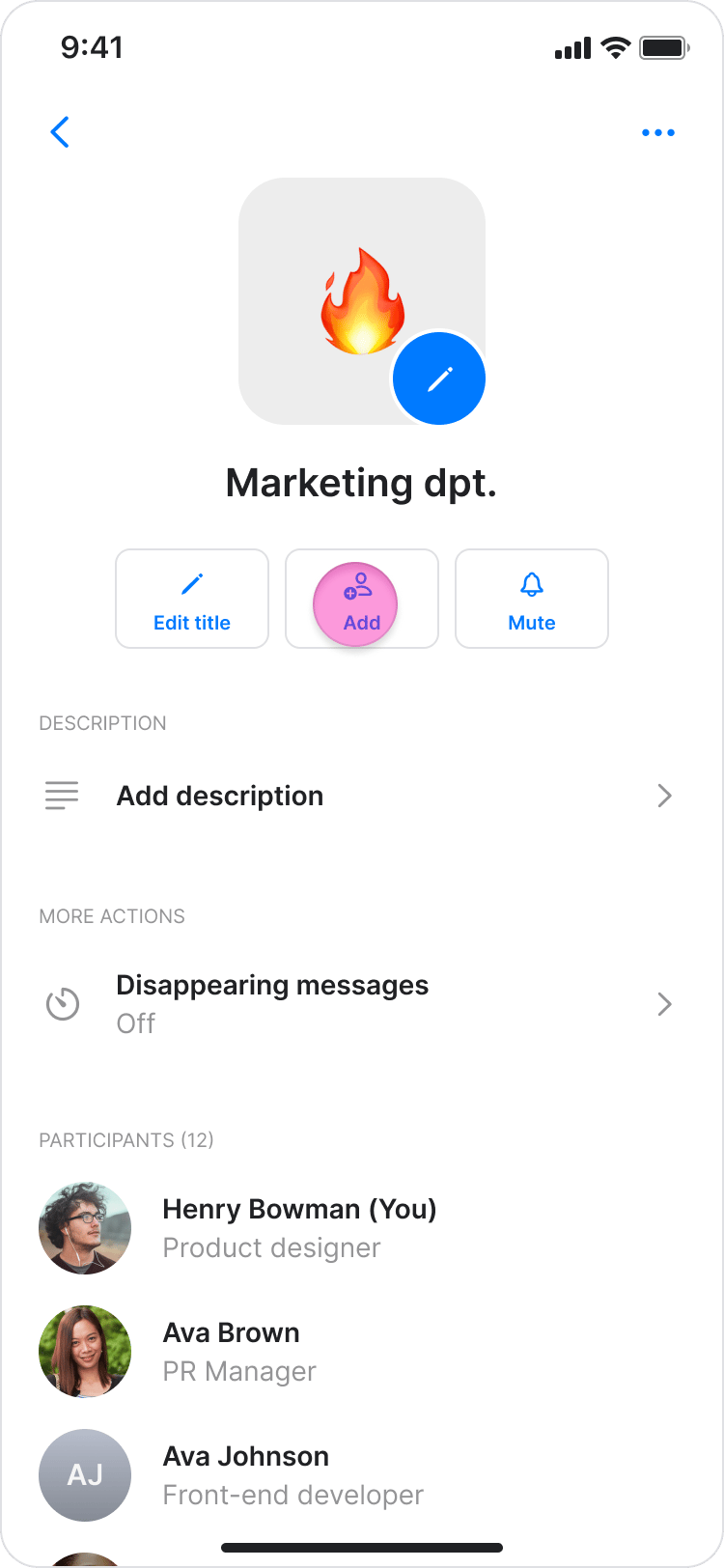
- Tap the topic name at the top of the screen.

- Tap “Add” under the topic name.
- Browse or search for the person you want to add.
- Select the person by tapping the checkbox next to their name.
- Tap “Done” in the top-right corner.
On Desktop (Windows, macOS, & Web App)
Follow these steps to add people to a topic or group chat using the Zenzap desktop or web app.- Open the topic or group chat you want to add people to.
- Click the “Participants” icons under the topic name.

- Click “Add” (On the Windows and Web app, this button is in the bottom-right corner).

- Browse or search for the person you want to add.
- Select the person (or people) by clicking the checkbox next to their name.
- Click “Done” to add them to the topic (On the Windows and Web app, click “Add” in the bottom-right corner).