
On Mobile (iOS & Android)
Follow these steps to schedule a meeting using the Zenzap mobile app.- Open the chat or topic where you want to schedule a meeting.
- Tap the calendar icon in the top-right corner.

- Enter a title for your meeting.
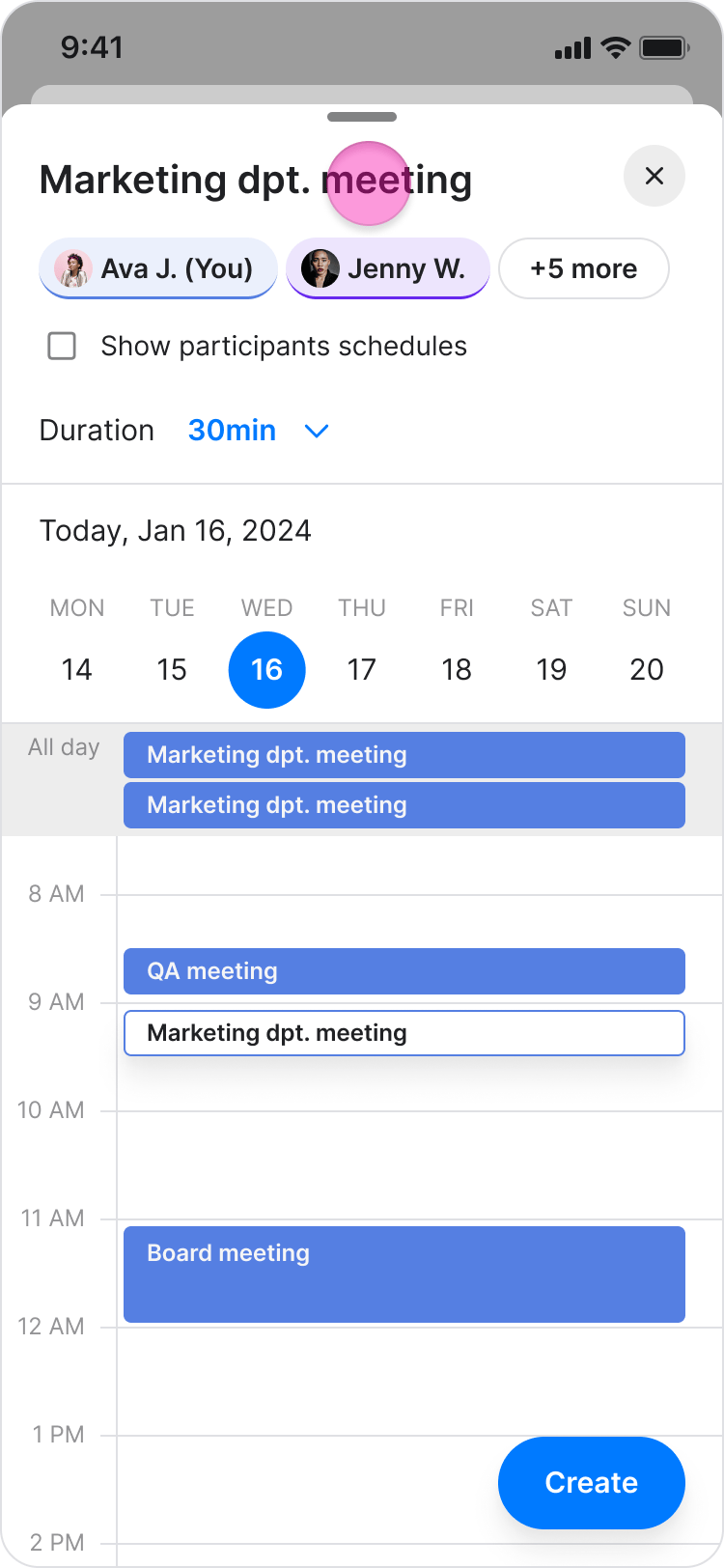
- Select the desired date and time.
- (Optional) Toggle “Show availability for other participants” to see when other attendees are free.
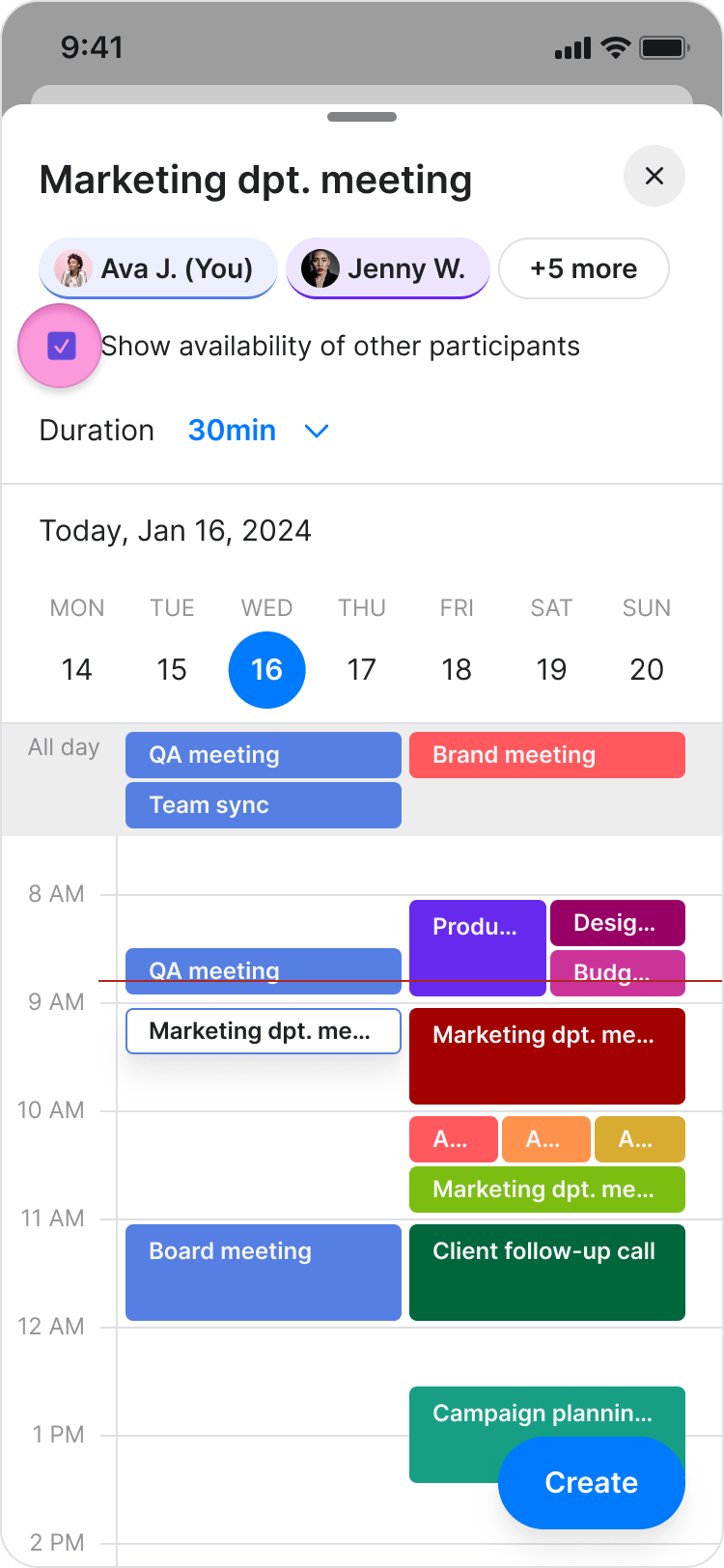
- Tap “Create” to schedule the meeting.
On Desktop (Windows, macOS, & Web App)
Follow these steps to schedule a meeting using the Zenzap desktop or web app.- Open the chat or topic where you want to schedule a meeting.
- Click the calendar icon in the top-right corner.
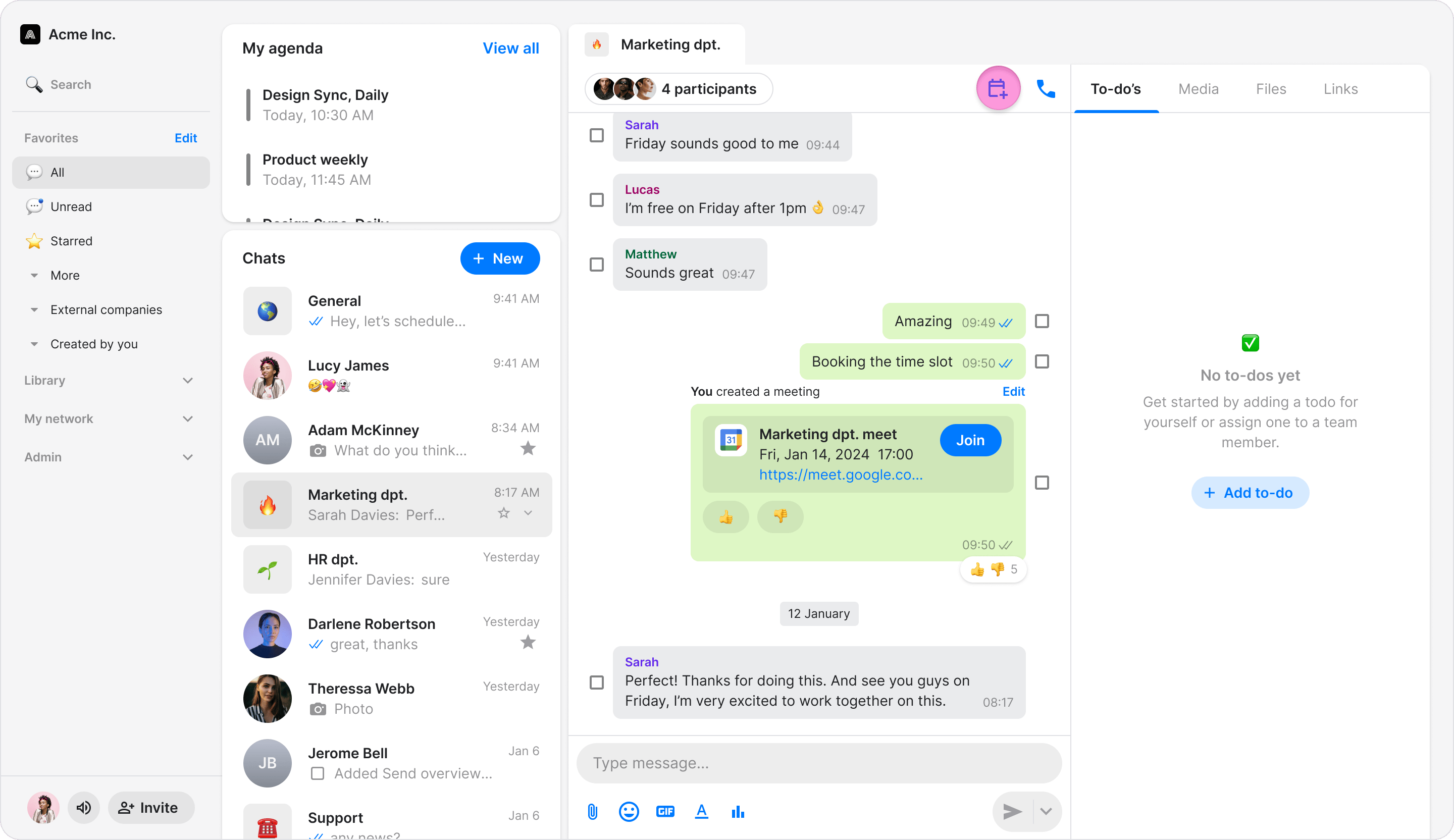
- Enter a title for your meeting.
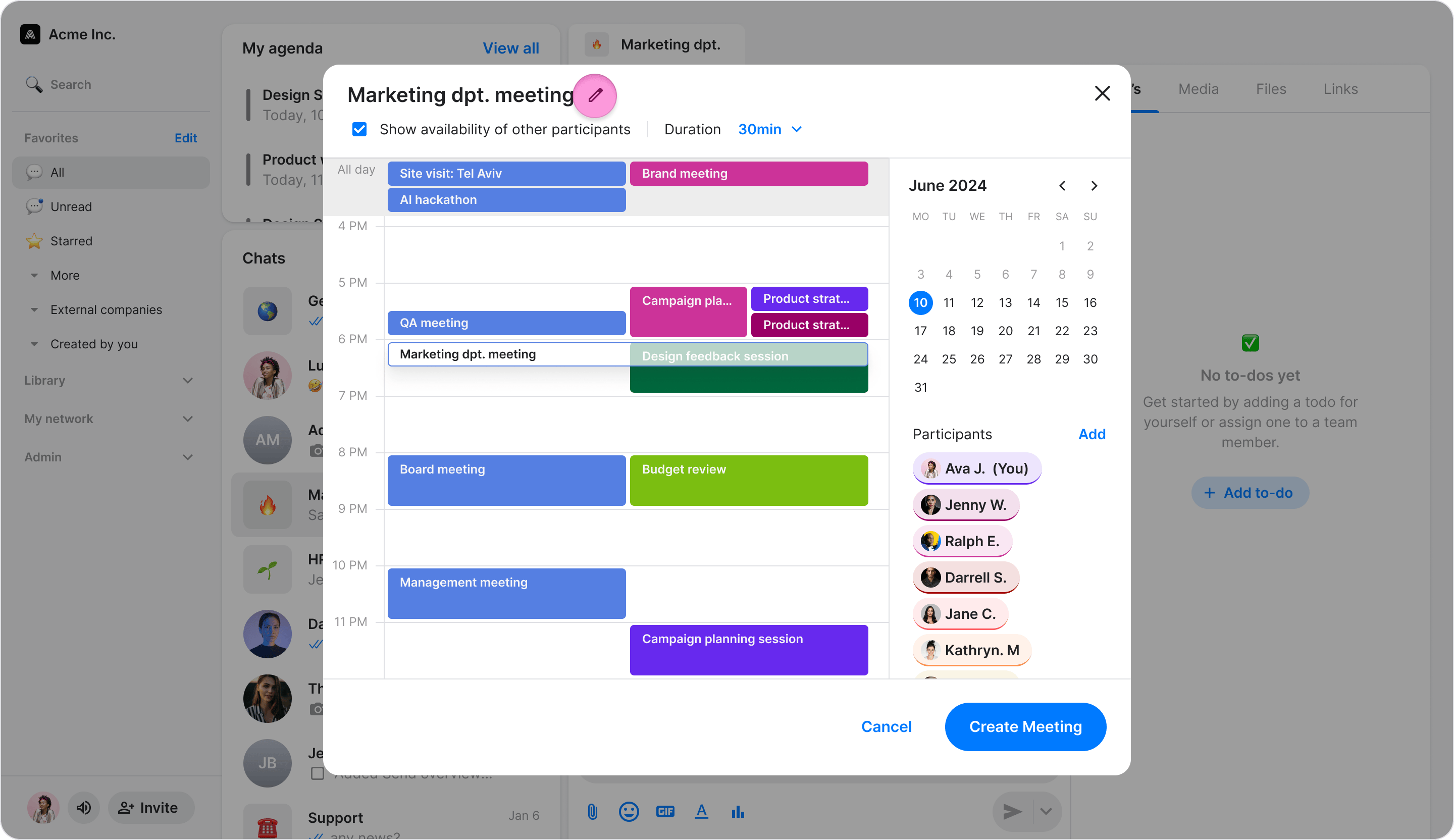
- Select the desired date and time.
- (Optional) Toggle “Show availability for other participants” to see when attendees are free.
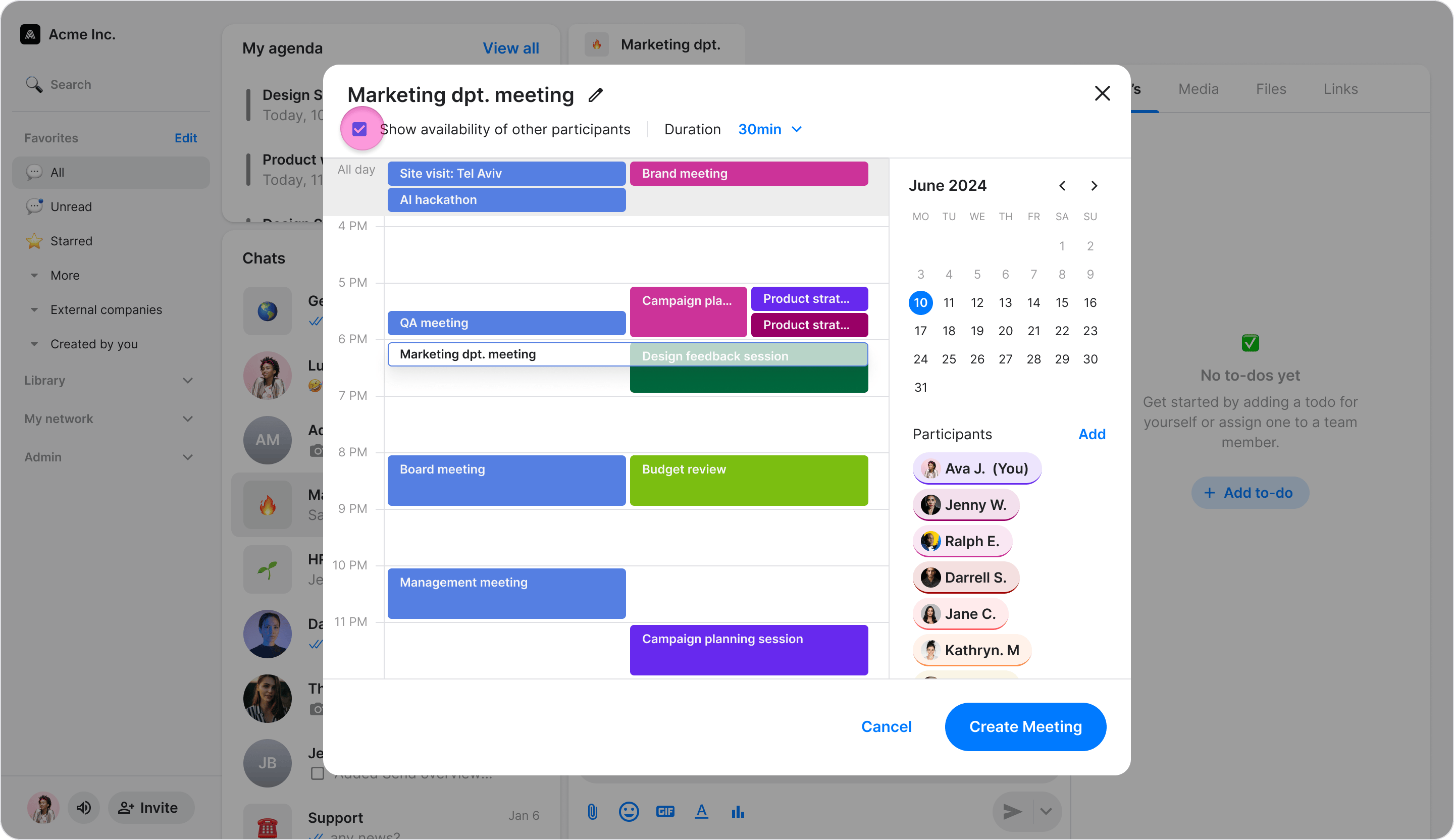
- Click “Create” to schedule the meeting.