On Mobile (iOS & Android)
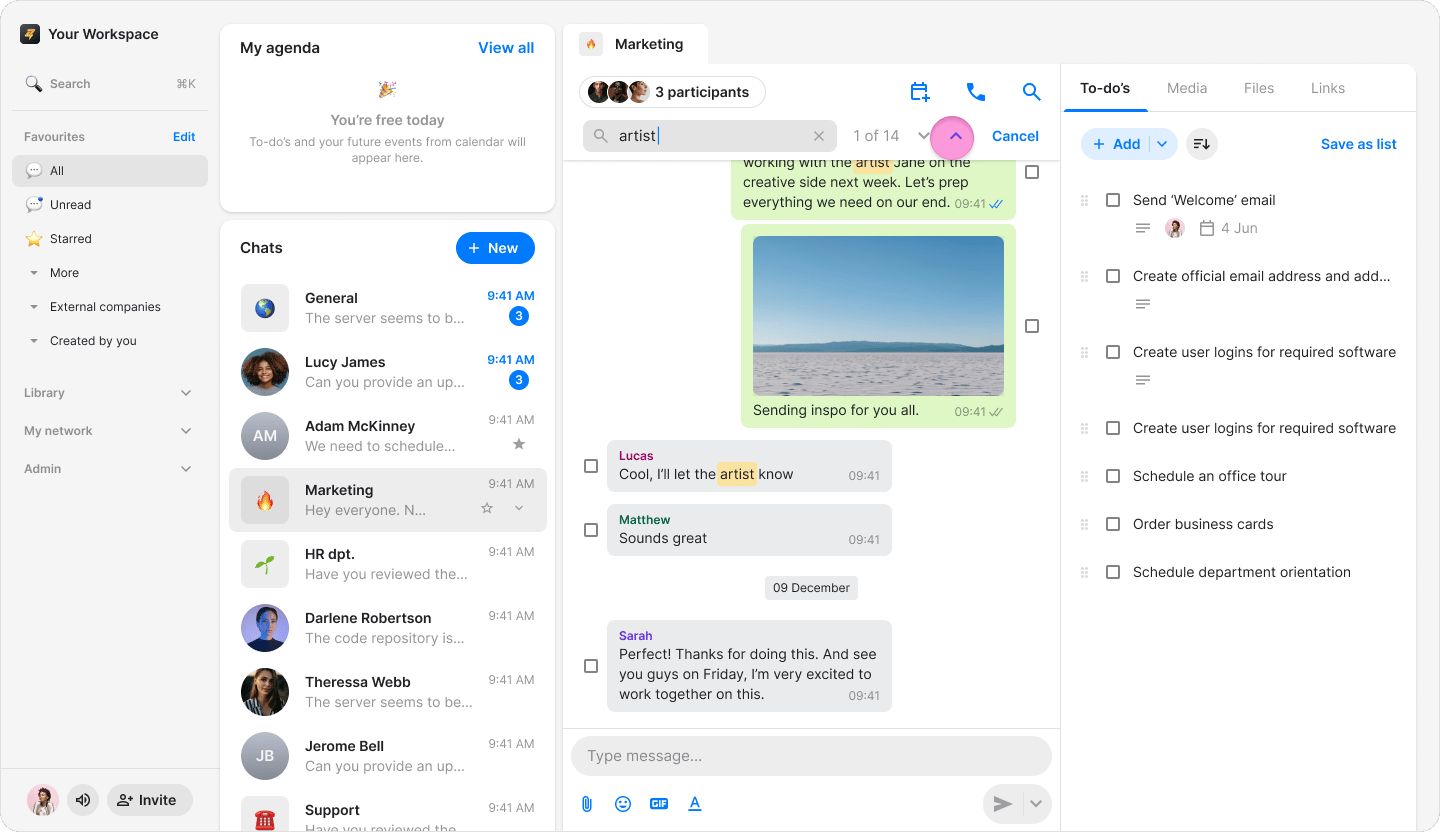
- Open the chat you want to search in.
- Tap the “Search” icon in the top-right corner.

- Type at least three letters to start searching for a word.
- A date will appear above your search results.
- Tap the “Up” or “Down” arrows to skip between multiple search results.
On Desktop (macOS)
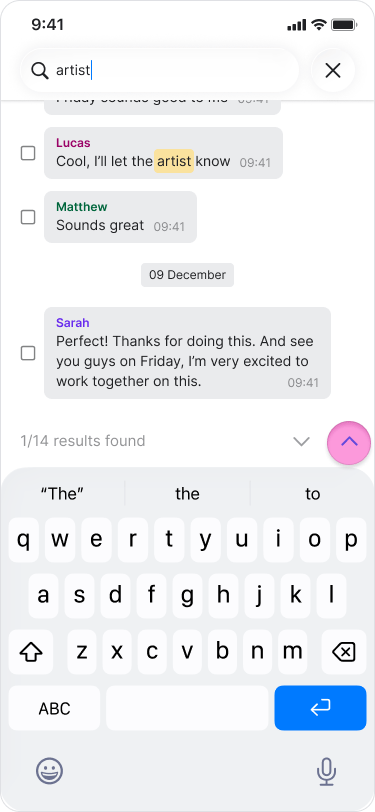
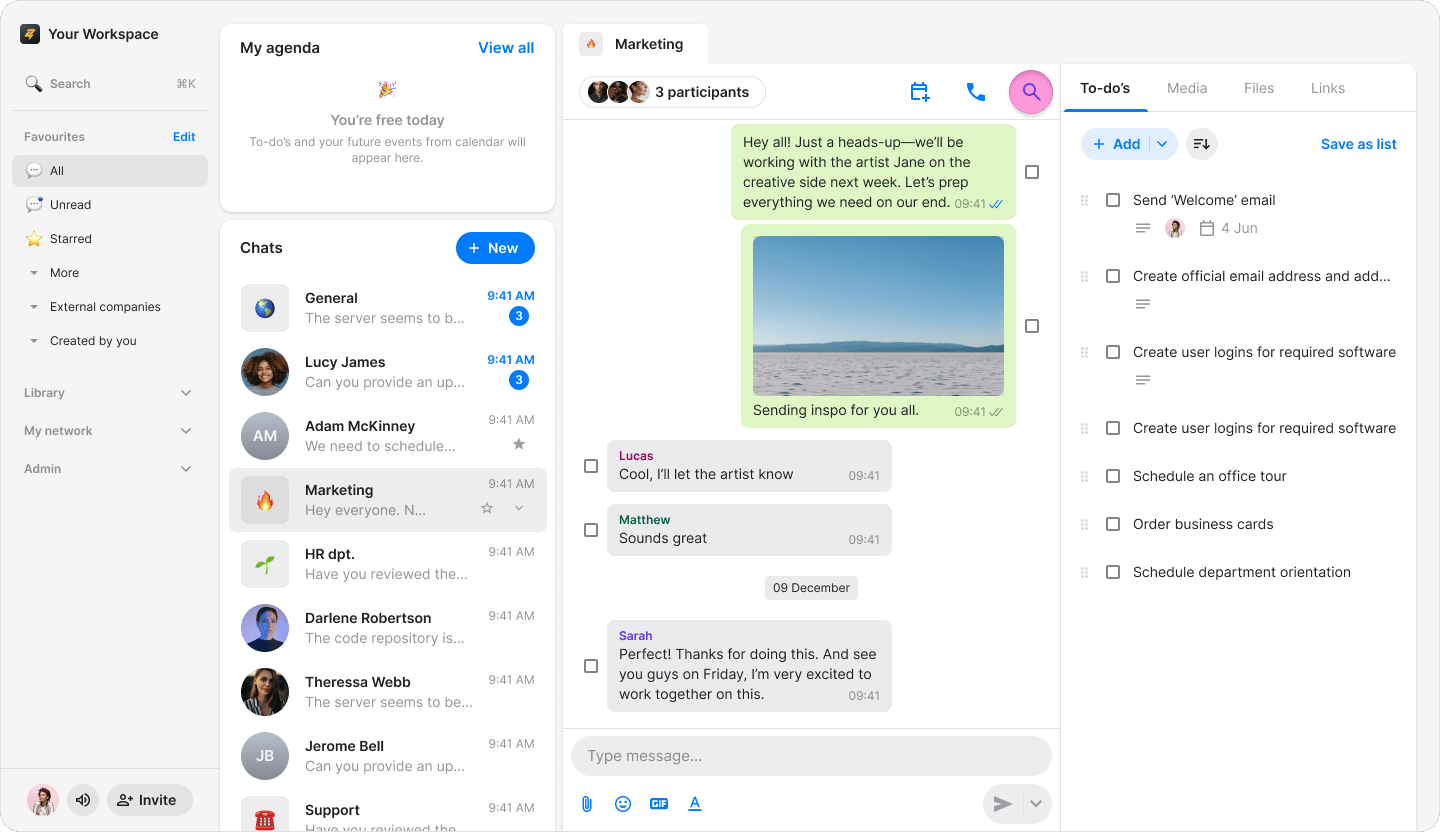
- Open the chat you want to search in.
- Press the “Search” icon in the menu above the chat.
- Type at least three letters to start searching for a word.
- A date will appear above your search results.
- Click the “Up” or “Down” arrows to skip between multiple search results.