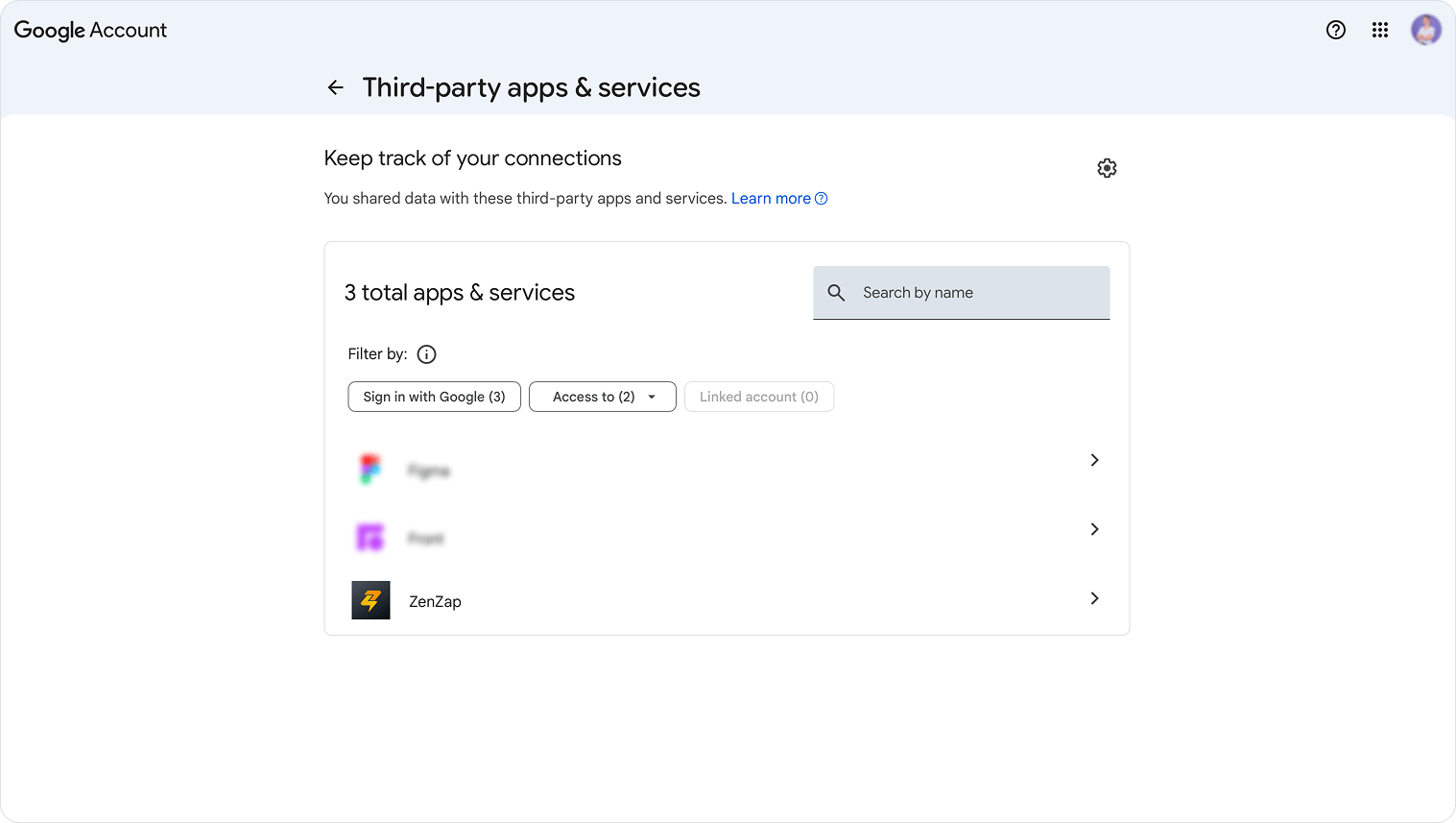
1. Go to https://myaccount.google.com/connections and sign in if prompted.
Disconnect Your Google Calendar screenshot 1
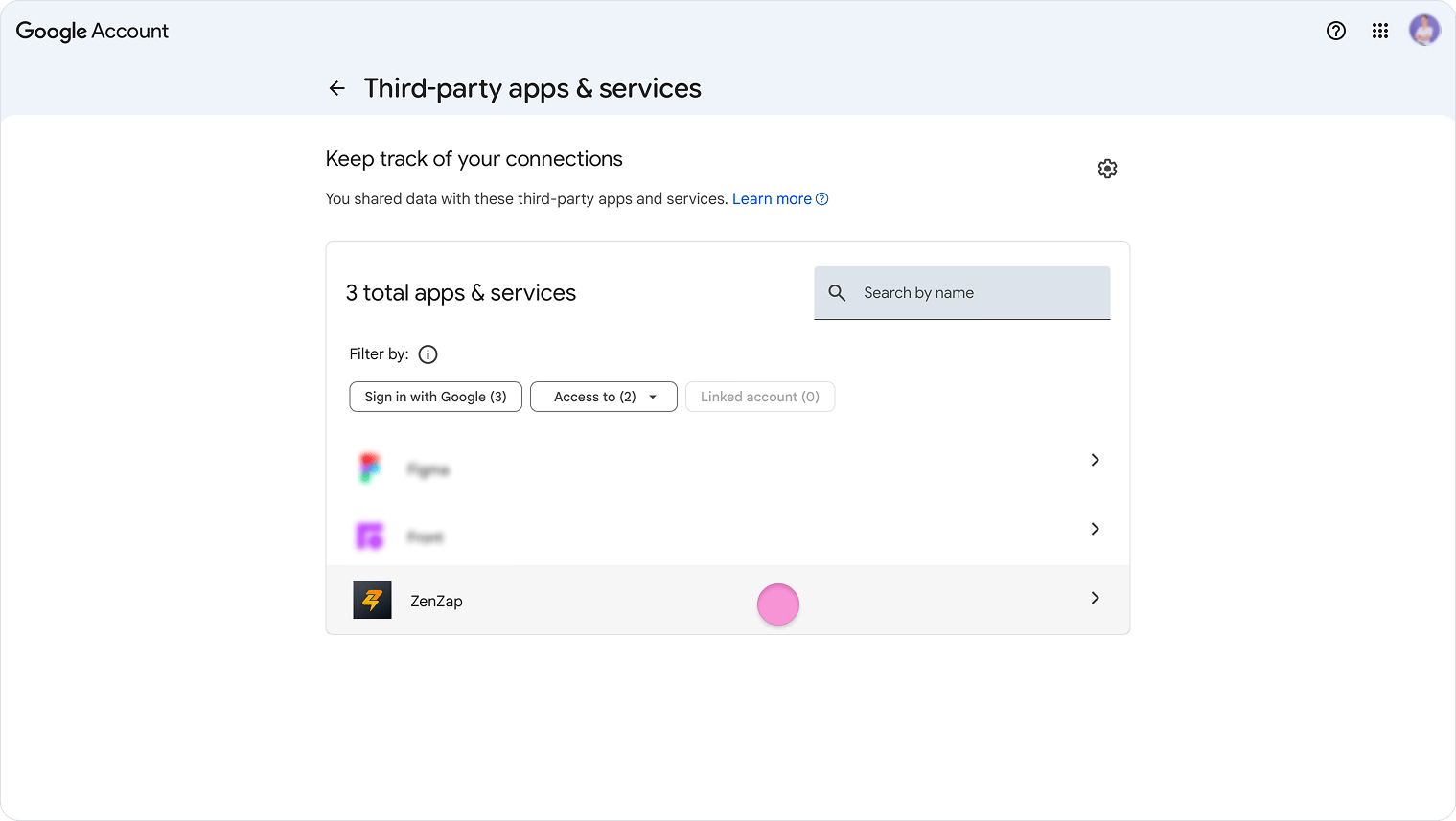
  1. Click “Zenzap” (usually at the bottom of the page).
Disconnect Your Google Calendar screenshot 2
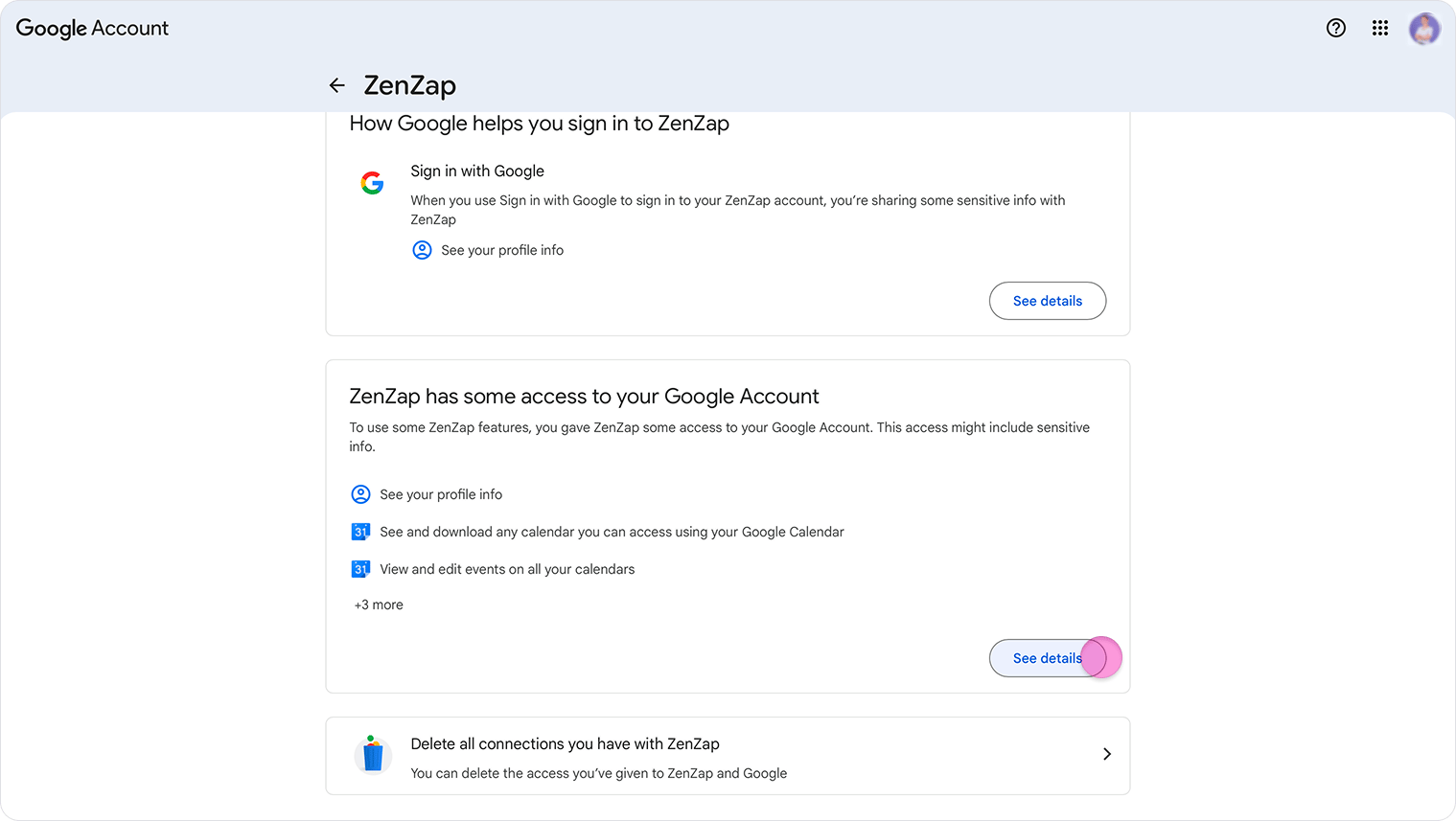
  1. Click “see details” under the “ZenZap has some access to your Google Account” section.
Disconnect Your Google Calendar screenshot 3
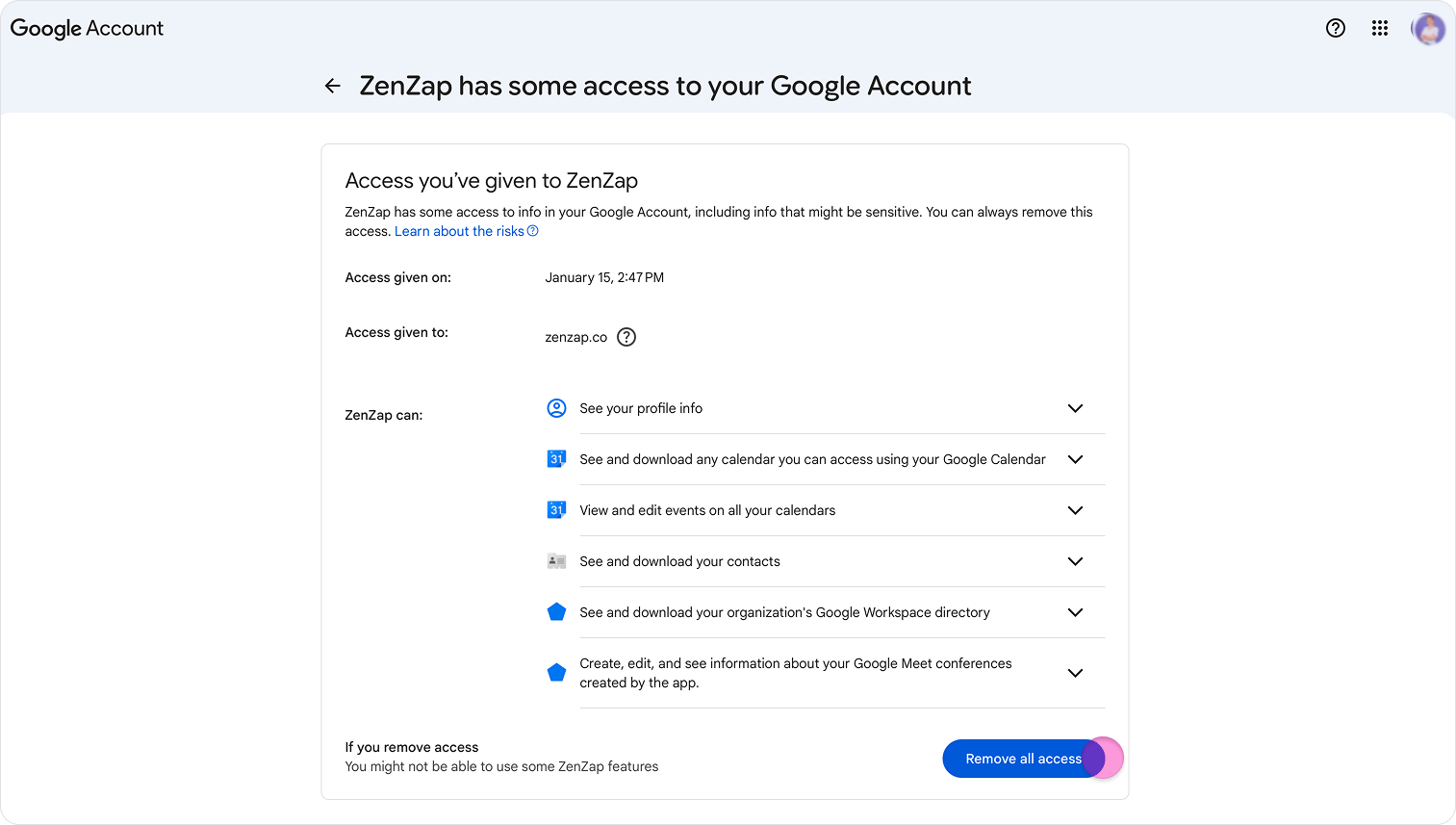
  1. Click on “Remove all access”.
Disconnect Your Google Calendar screenshot 4 Note: You must be logged into the same Google account that was originally used to connect your calendar to Zenzap.