On Mobile (iOS & Android)
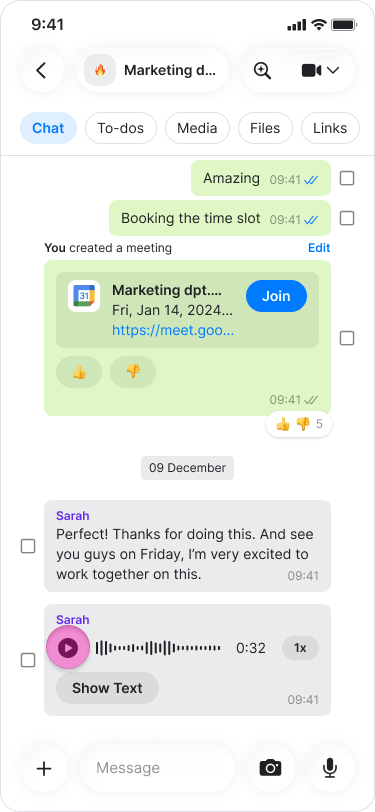
  • Tap the “Play” icon on the left side of the message. Playing Audio Messages screenshot 1
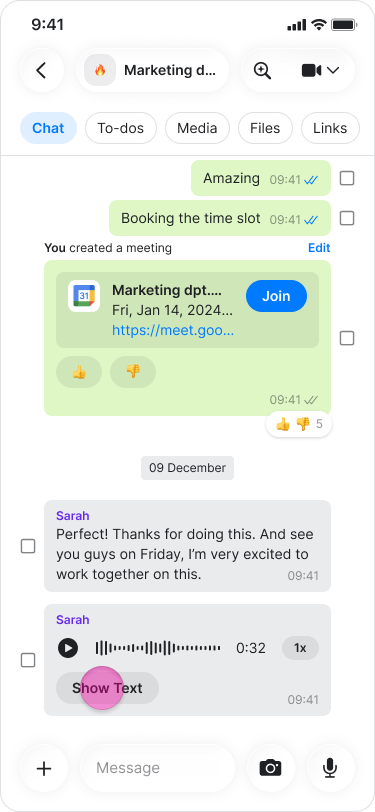
  • Tap “Show text” to see the transcript of a voice message Playing Audio Messages screenshot 2
Note: Audio messages will continue to play even if you exit the chat as long as you stay in the app.

On Desktop (Windows, macOS, & Web App)

  • Click the “Play” icon on the left side of the message.
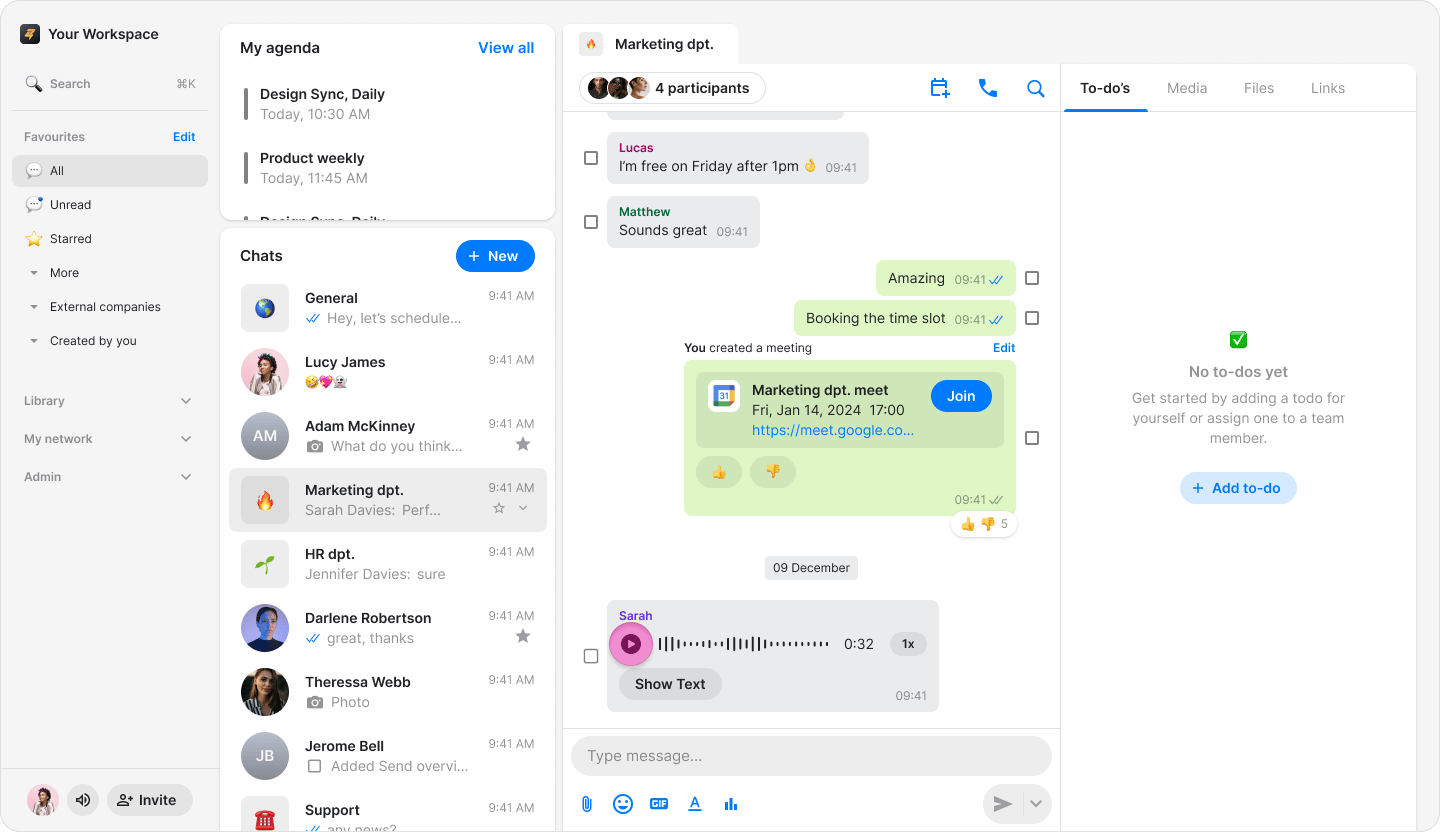
Playing Audio Messages screenshot 3
  • Click “Show text” to see the transcript of a voice message.
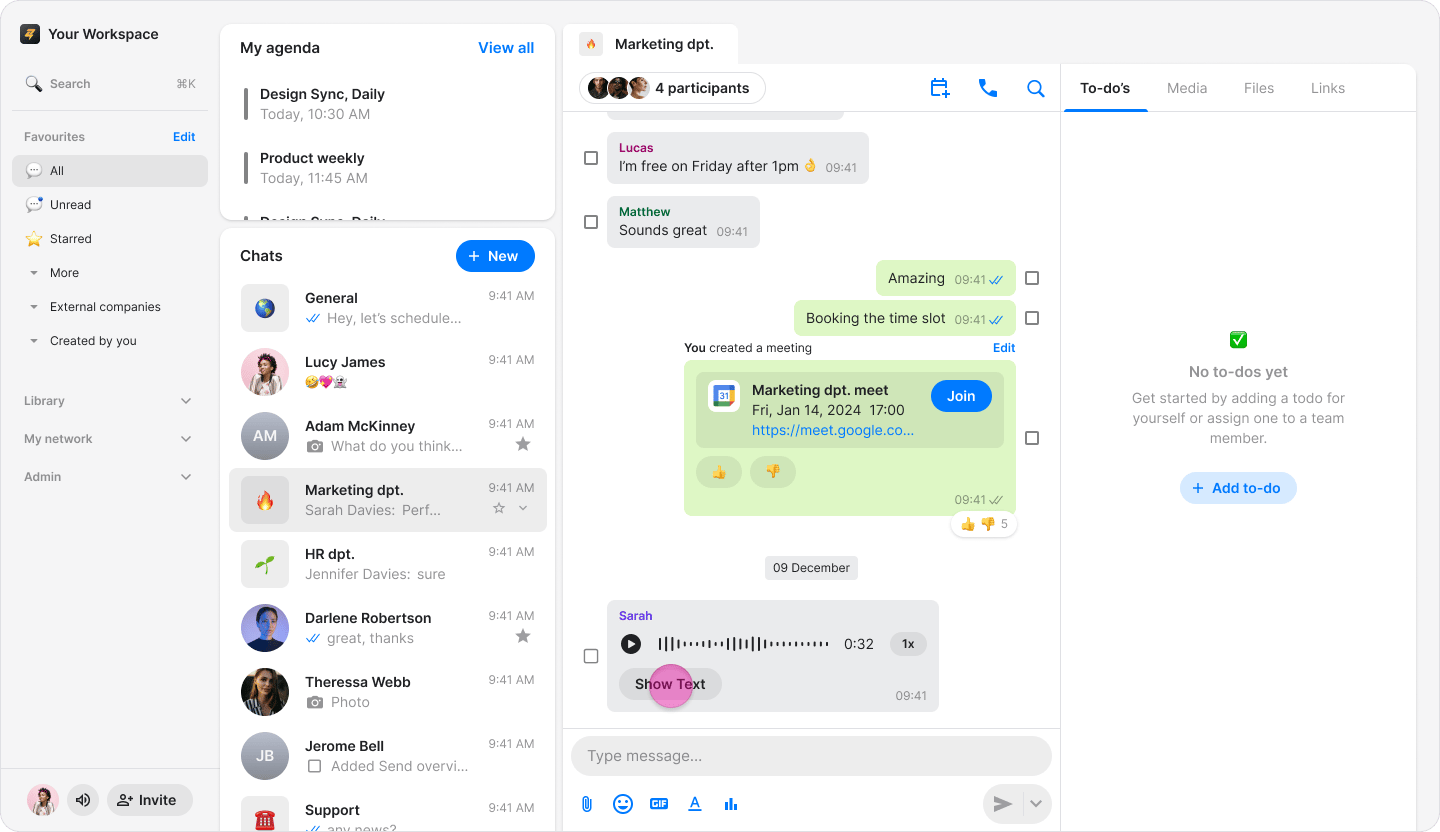
Playing Audio Messages screenshot 4 Note: Audio messages will continue to play even if you exit the chat as long as you stay in the app.