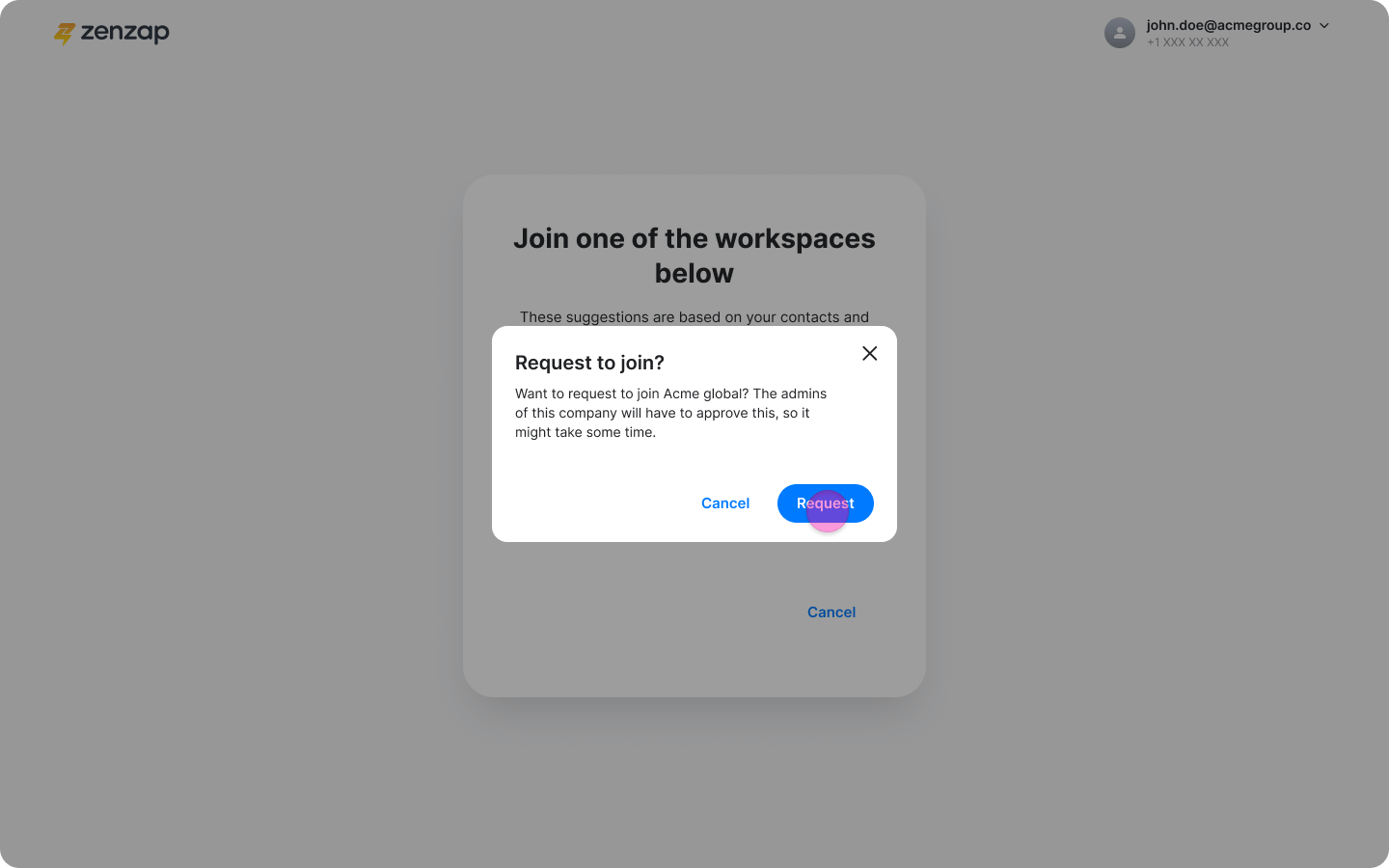
On Mobile (iOS & Android)
With Company Code:
-
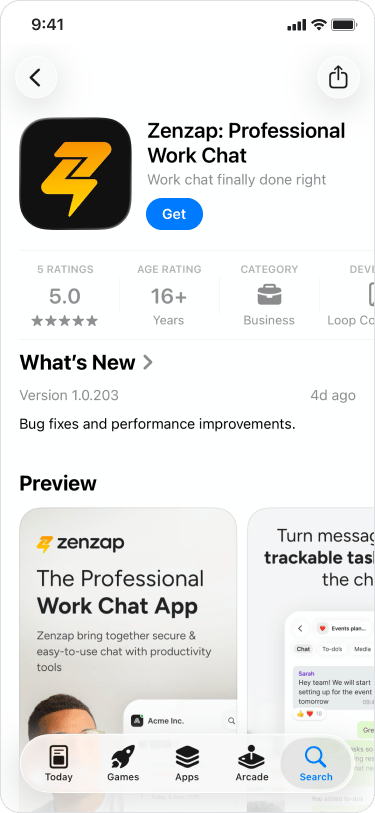
Download the Zenzap app.
-
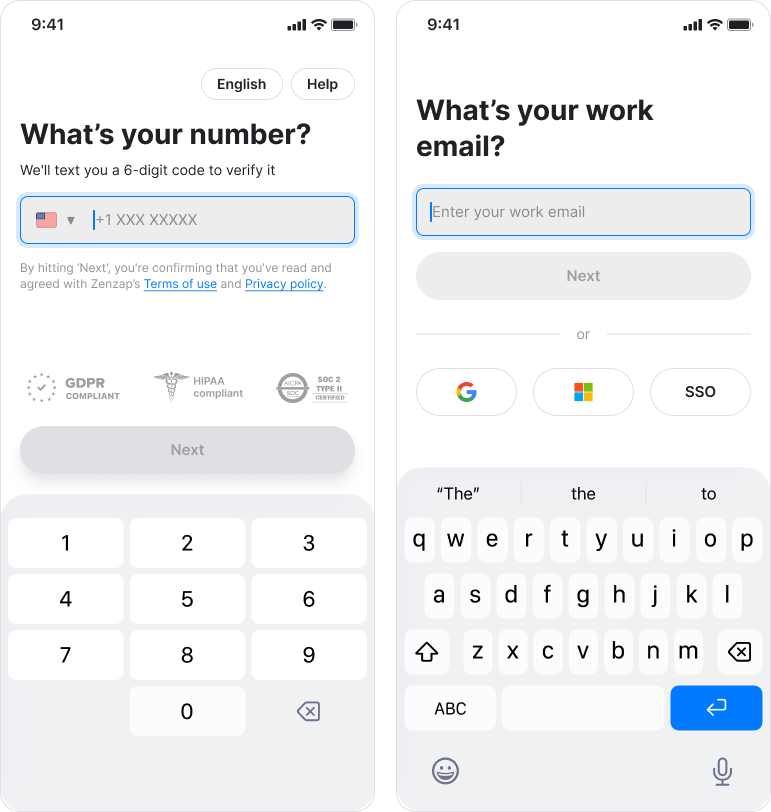
Complete the onboarding prompts, including adding your phone number and email.
-
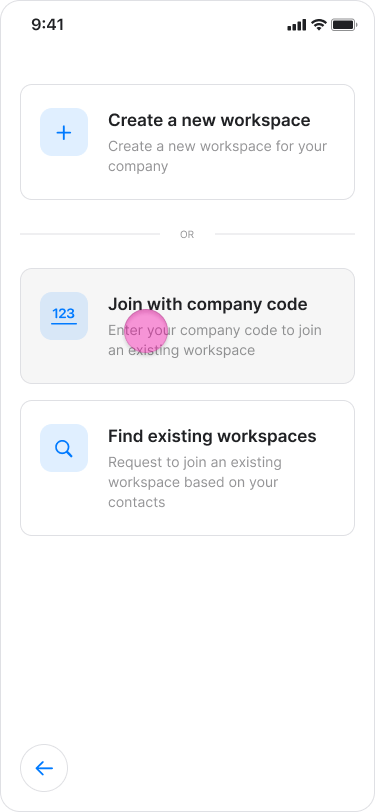
Tap “Join with company code”.
-
Enter the company code you received.
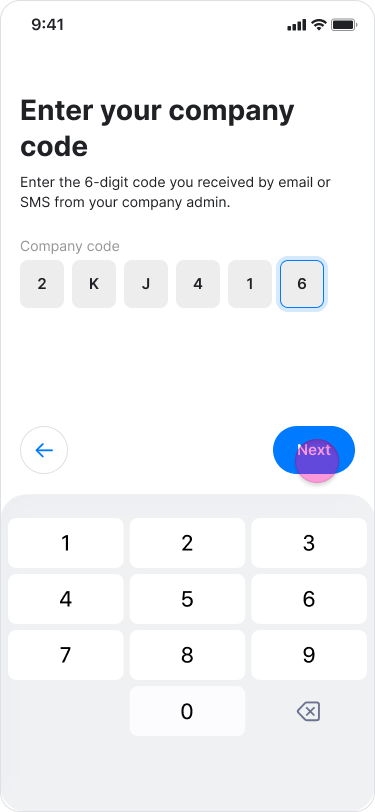
- Tap “Next”.
-
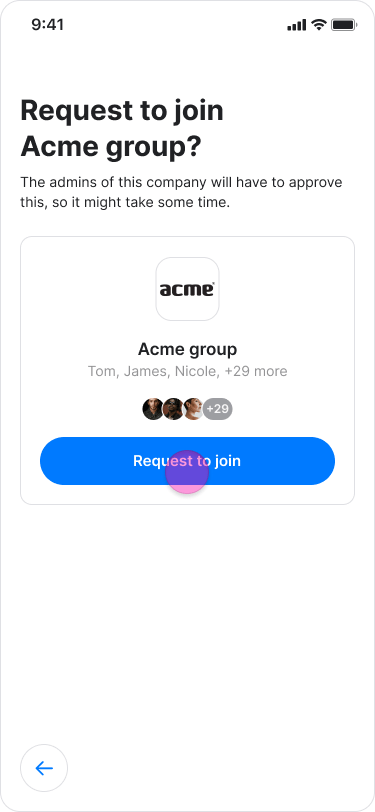
Tap “Request to join” on the workspace you want to join.
With Workspace Suggestions:
-
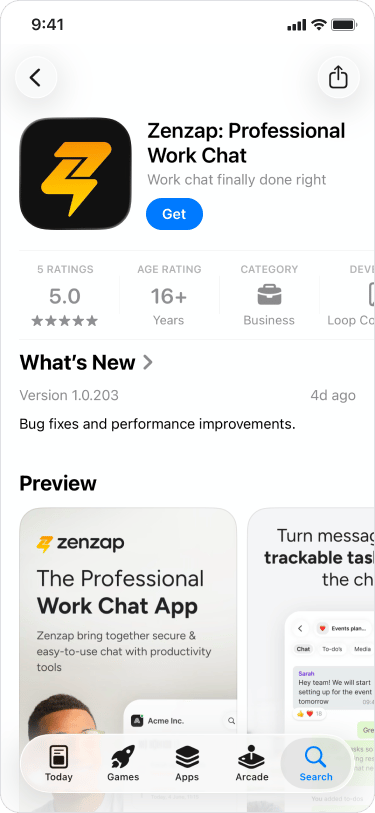
Download the Zenzap app.
-
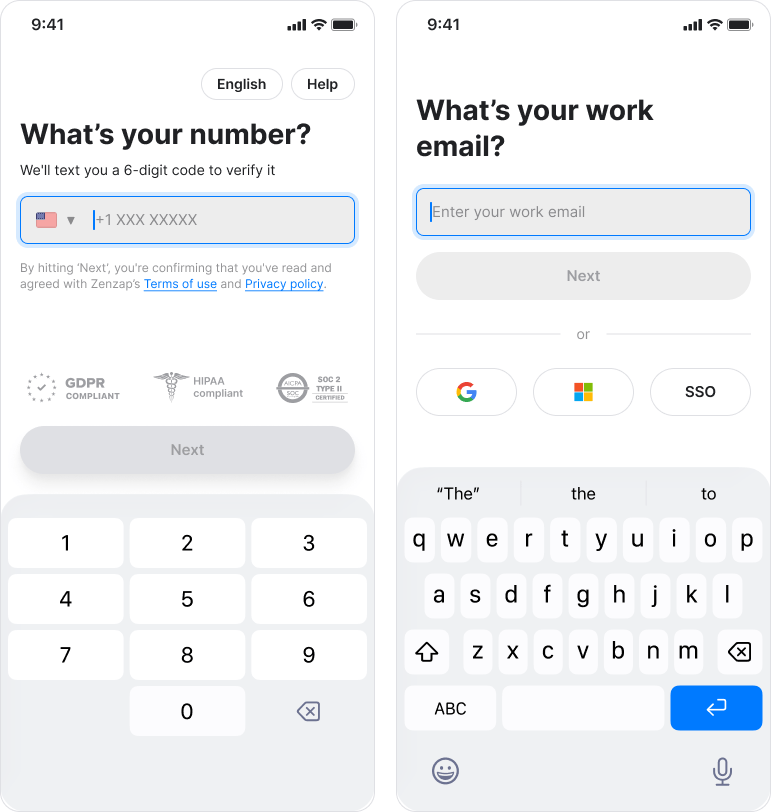
Complete the onboarding prompts, including adding your phone number and email.
-
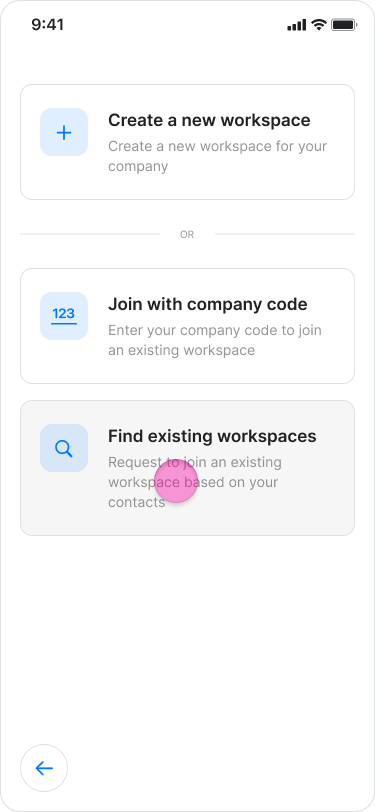
Tap “Find existing workspace”.
-
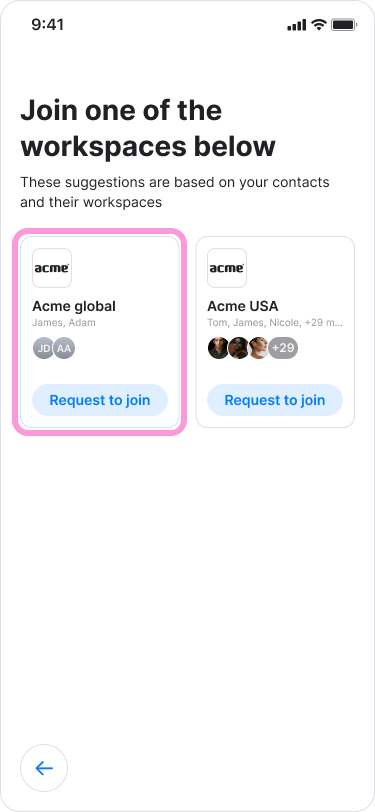
Select your team’s workspace from the suggestions.
-
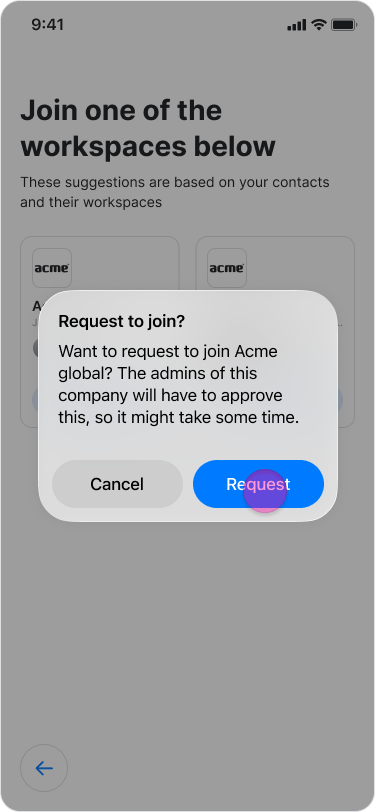
Tap “Request to join” on the workspace you want to join.
On Desktop (Windows, macOS, & Web App)
With Company Code:
-
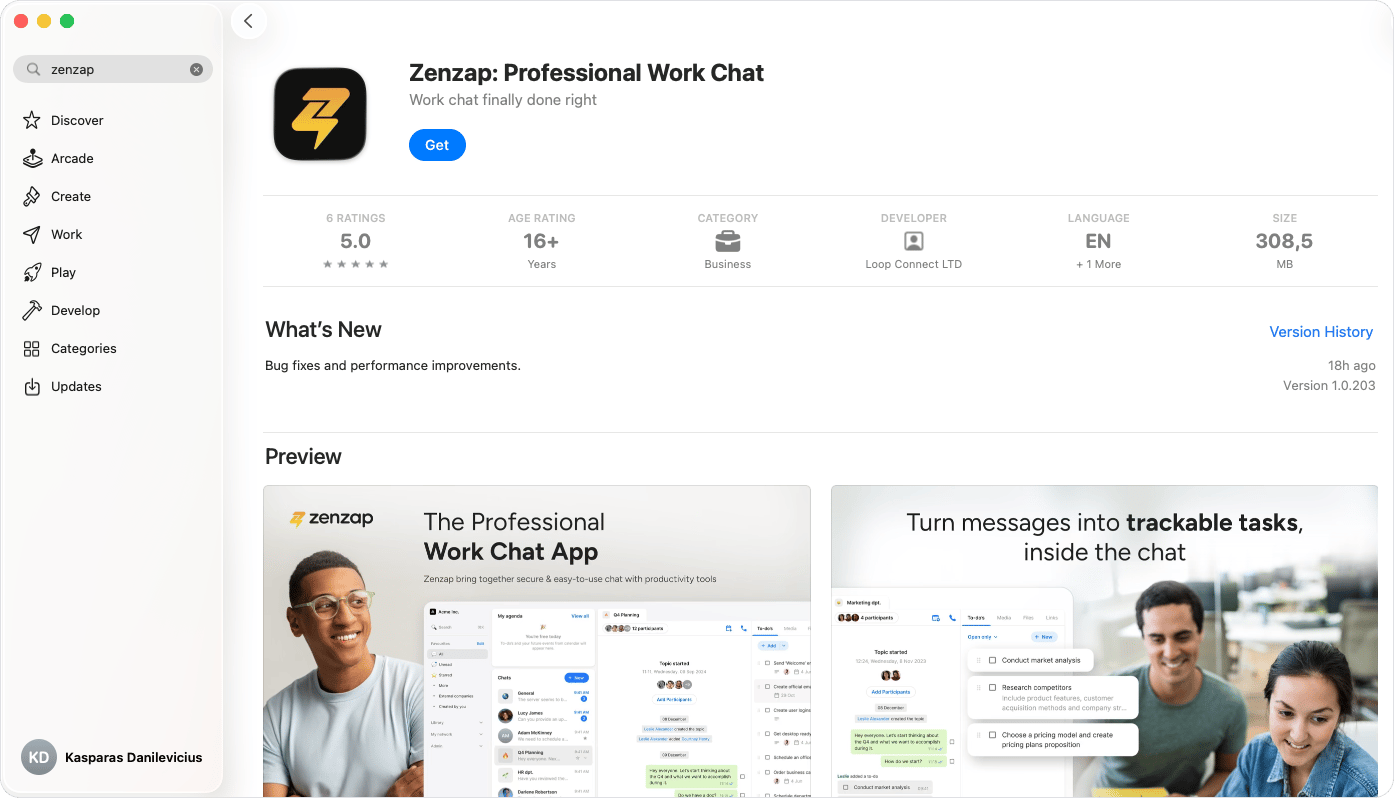
Download the Zenzap desktop app or open the Web App.
-
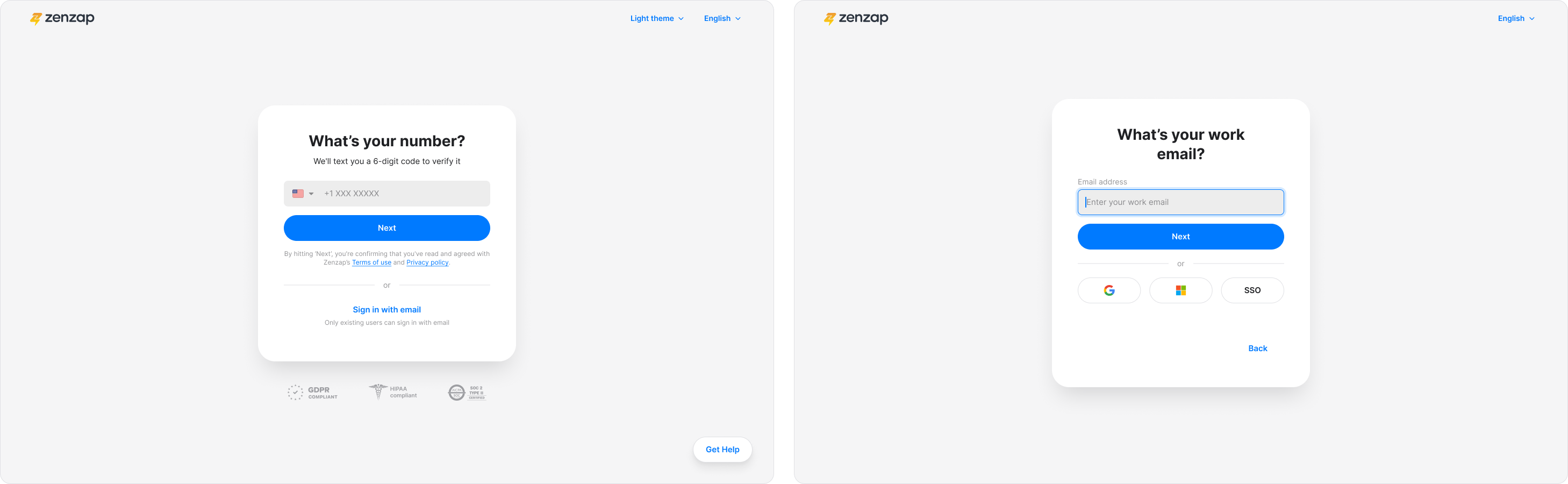
Complete the onboarding prompts, including adding your phone number and email.
-
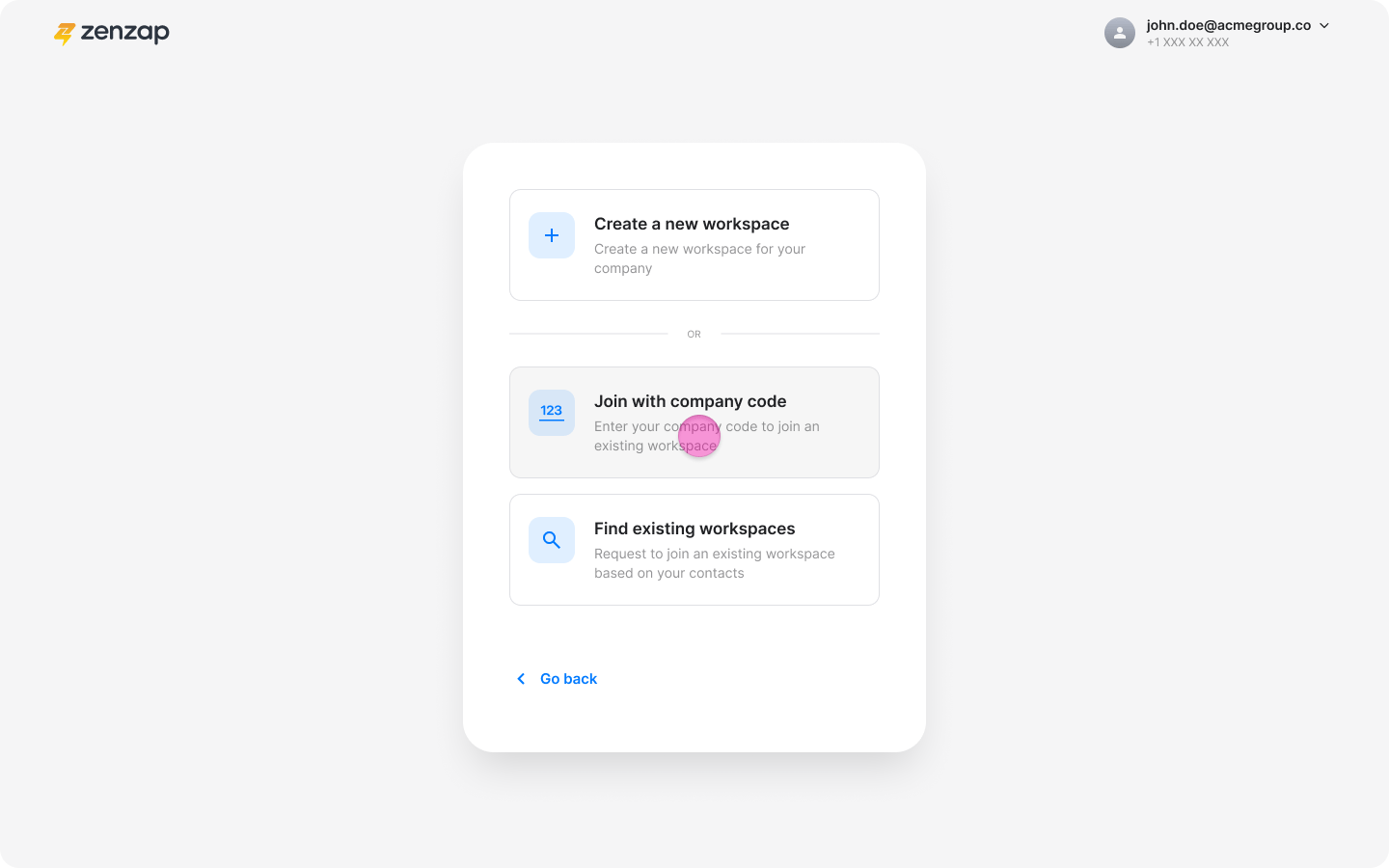
Click “Join with company code”.
-
Enter the company code you received.
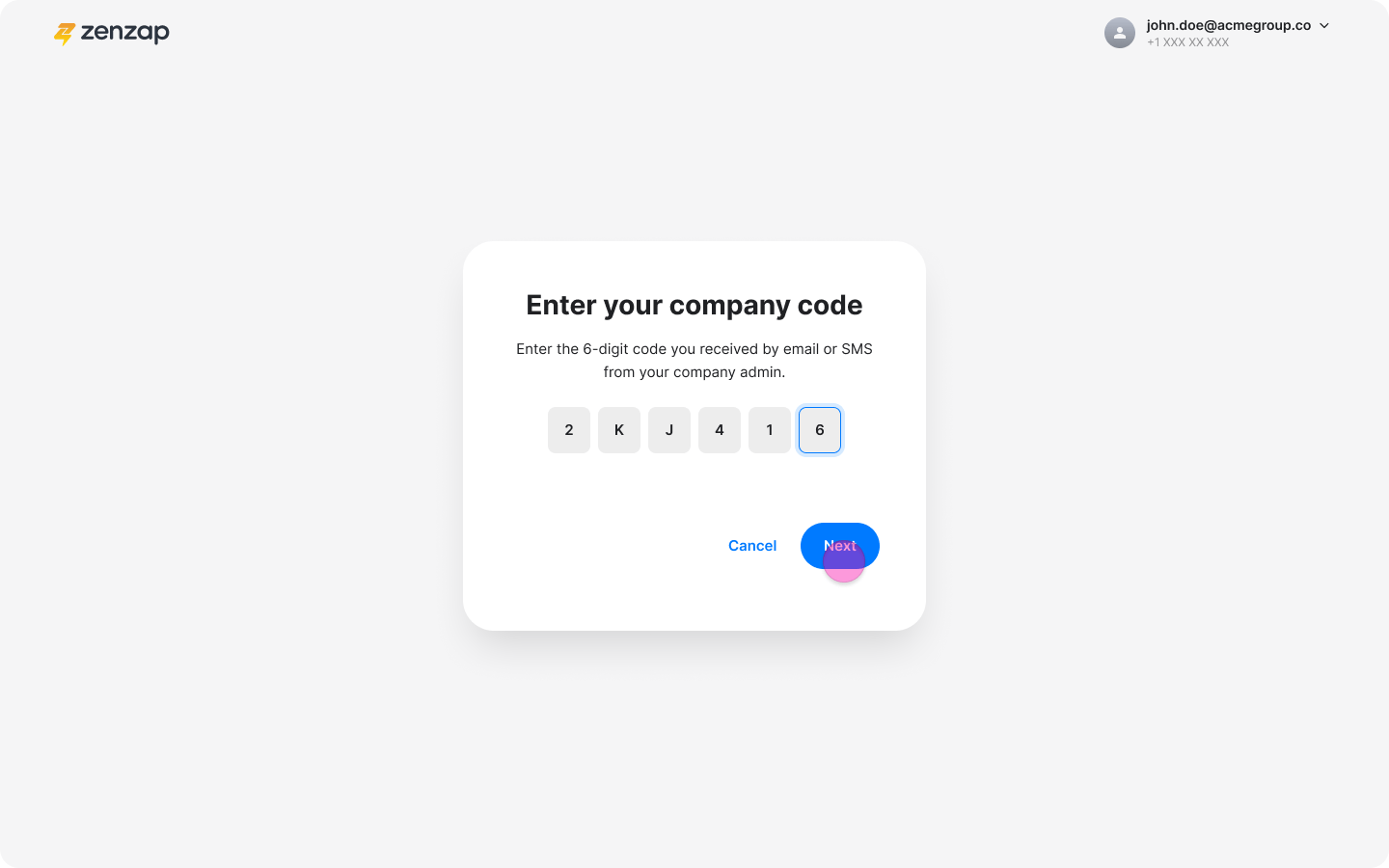
- Click “Next”.
-
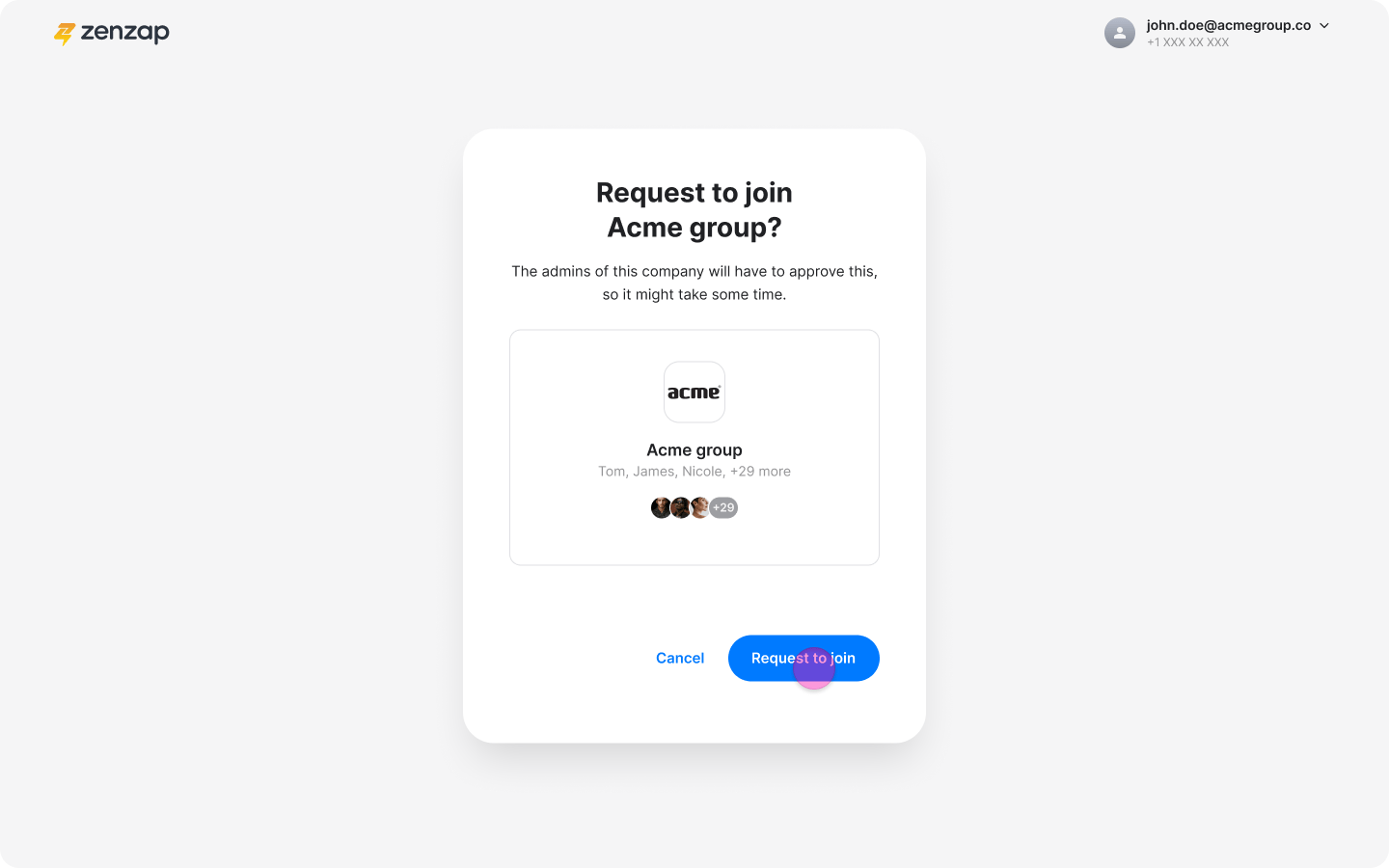
Click “Request to join” on the workspace you want to join.
With Workspace Suggestions:
-
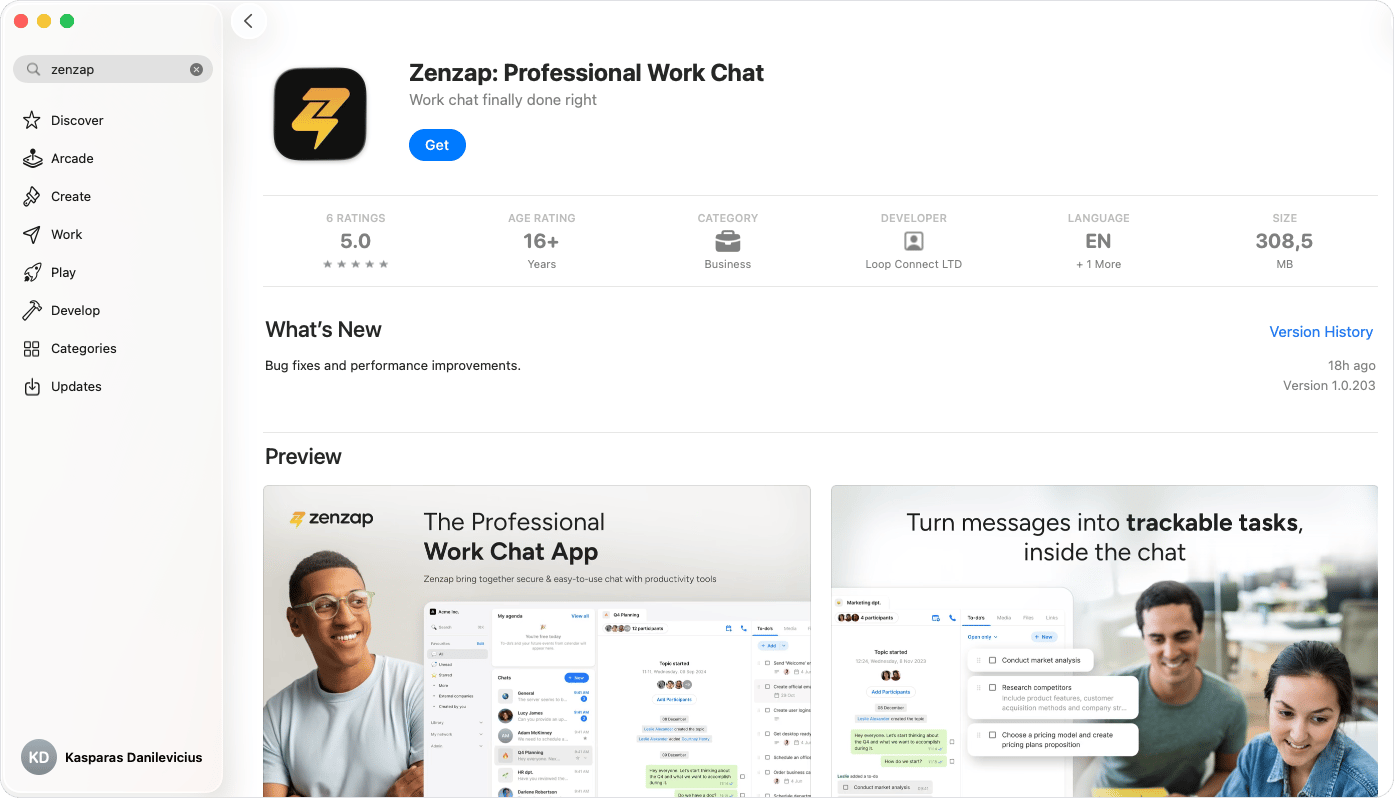
Download the Zenzap desktop app or open the Web App.
-
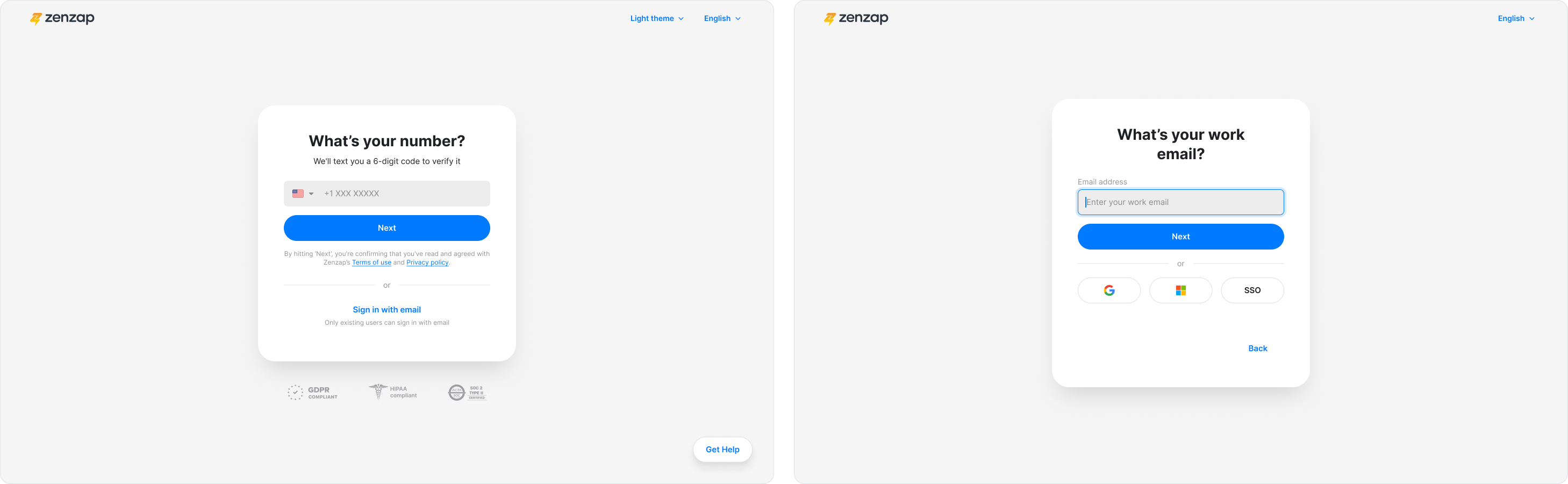
Complete the onboarding prompts, including adding your phone number and email.
-
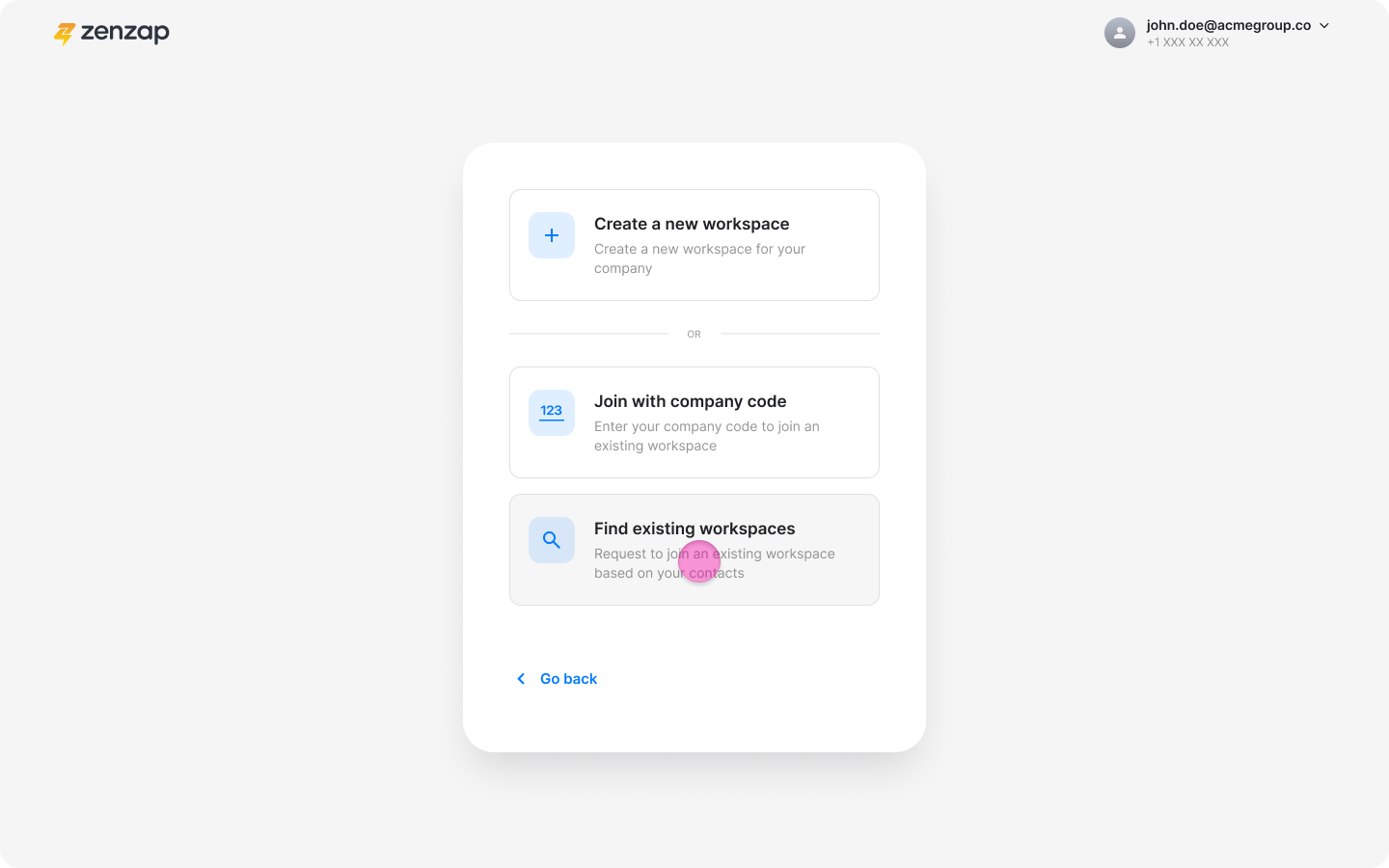
Click “Find existing workspace”.
-
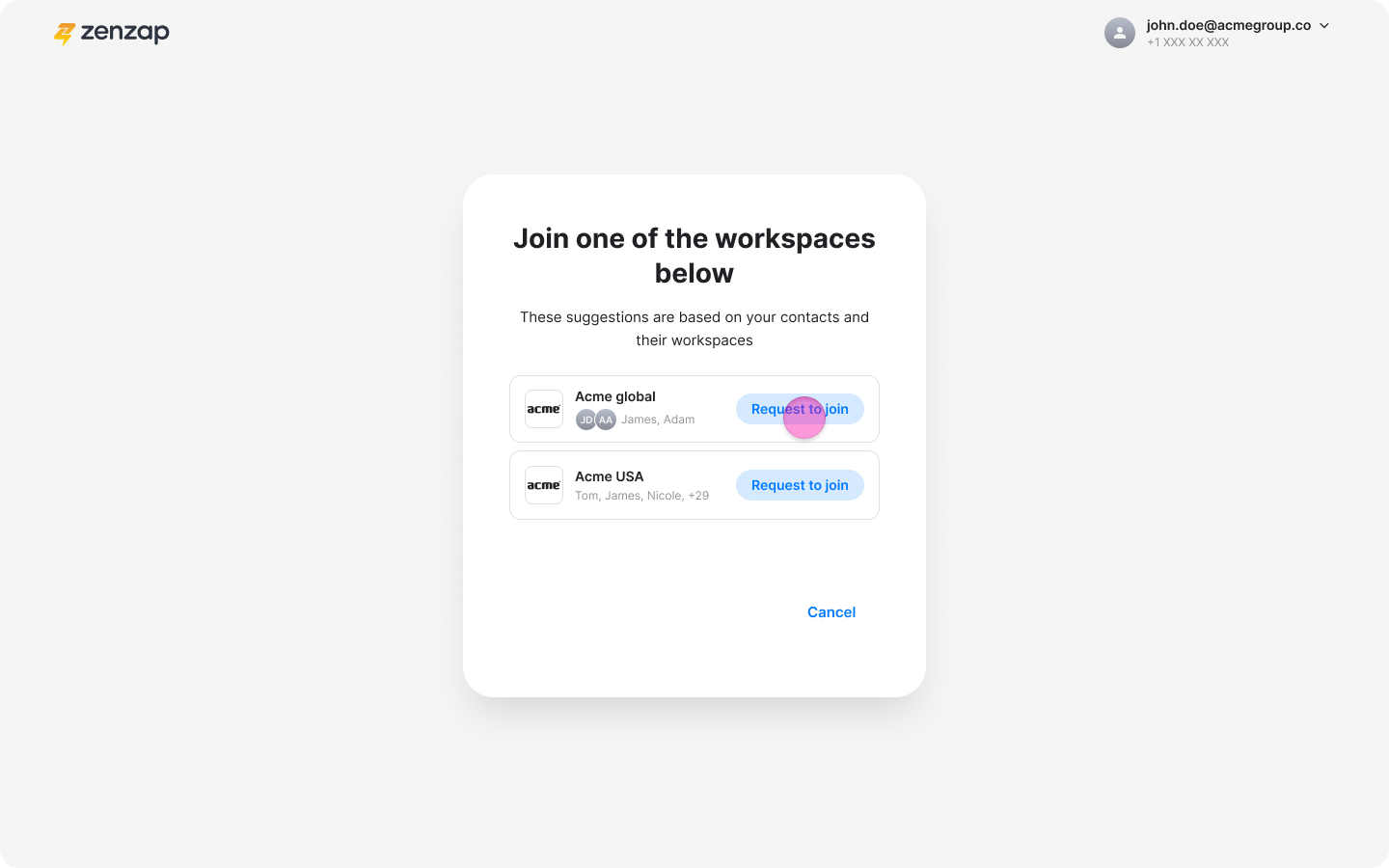
Select your team’s workspace from the suggestions.
-
Click “Request to join”.