
On Mobile (iOS & Android)
- Open the desired chat.
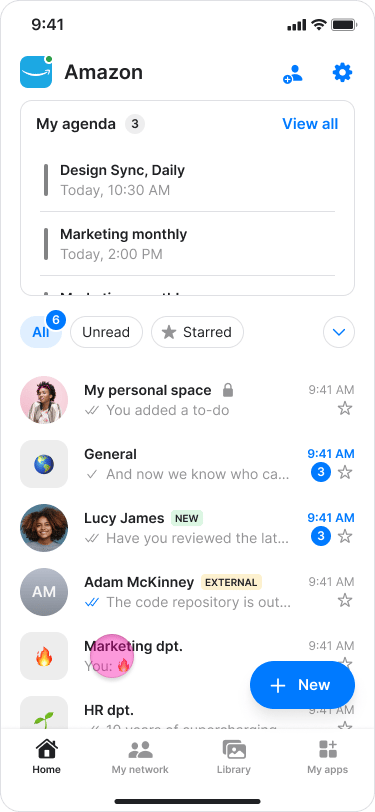
- Type “@” in the message field.
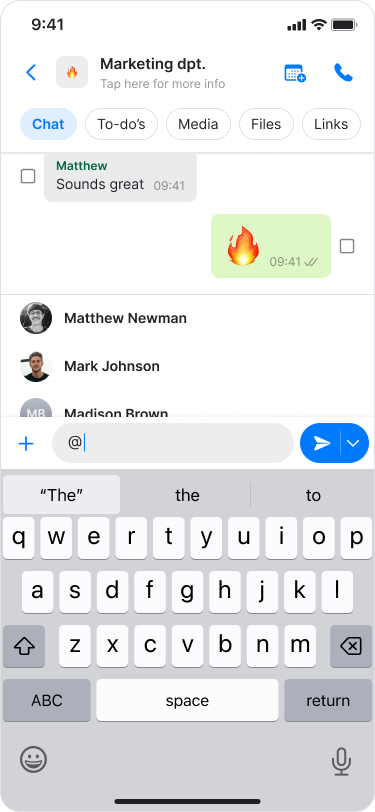
- Select the person’s name from the list or start typing their name to narrow the results.
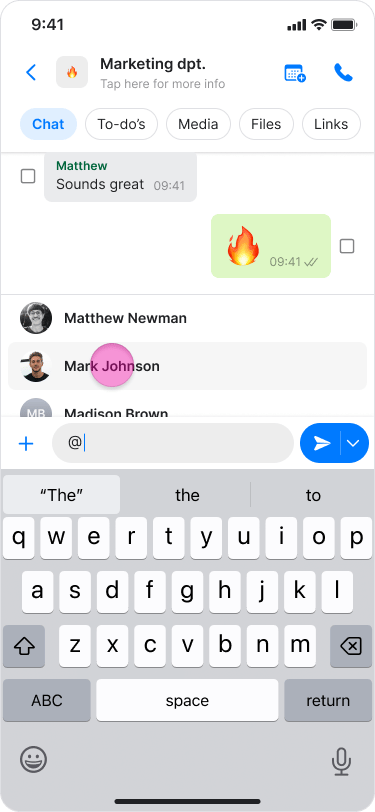
- You can mention multiple people in the same message by repeating these steps.
- Member names may appear differently for other group members depending on how the contact is saved in their phone contacts.
On Desktop (Windows, macOS, & Web App)
- Open the desired chat.
- Type “@” in the message field.
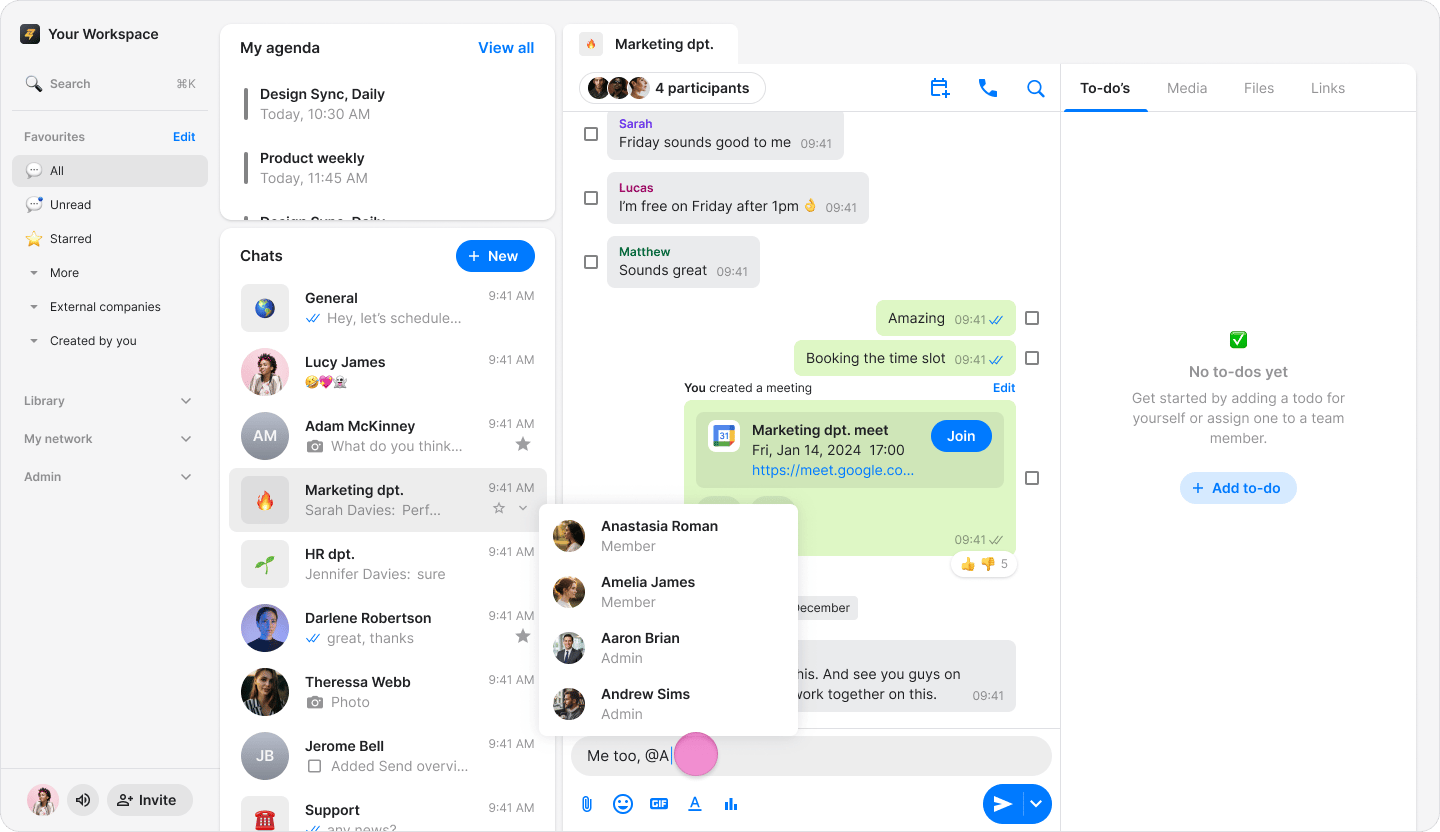
- Select the member’s name from the list or start typing their name to narrow the results.
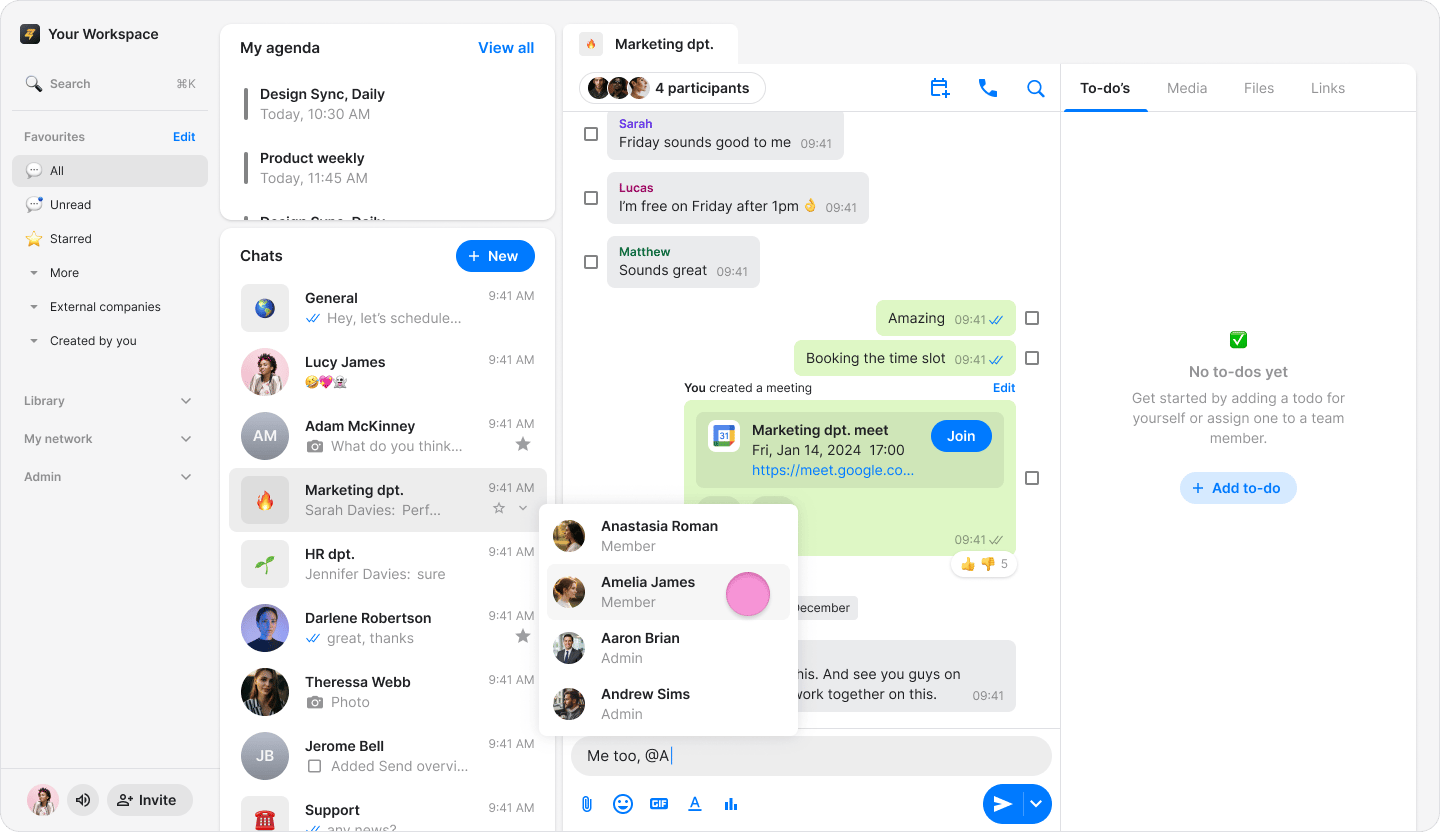
- You can mention multiple people in the same message by repeating these steps.
- Member names may appear differently for other group members depending on how the contact is saved in their phone contacts.