
On Mobile (iOS & Android)
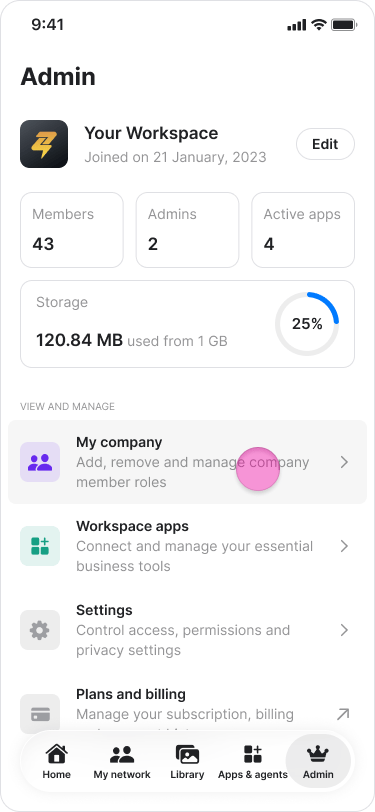
- Tap the “Admin” tab.
- Tap “My company”.
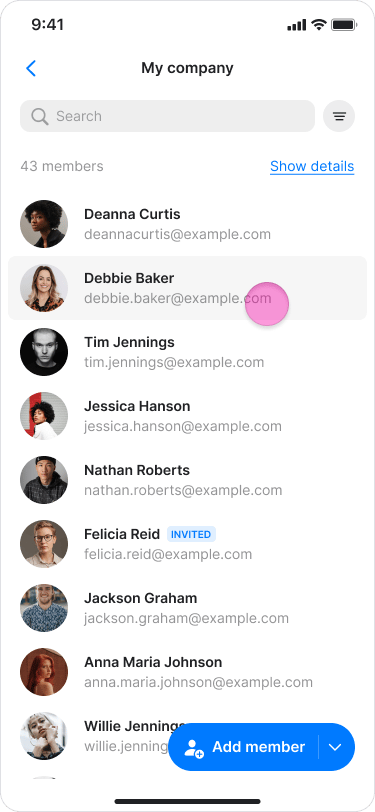
- Search for or click the user you want to remove.
- Tap the employee’s name.
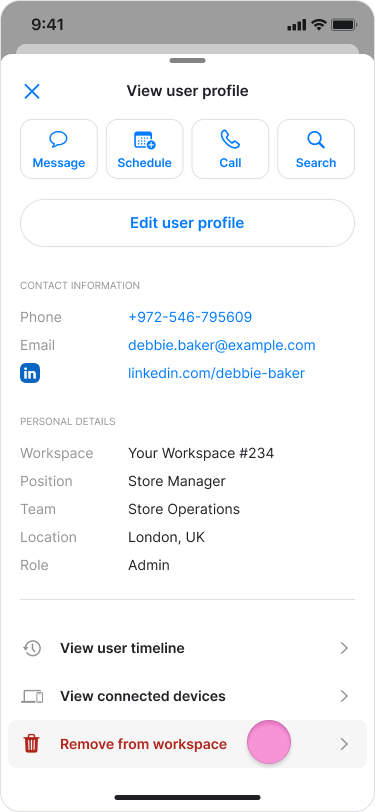
- Scroll down and tap “Remove from workspace”.
- Tap “Confirm” to finalize the removal.
On Desktop (Windows, macOS, & Web App)
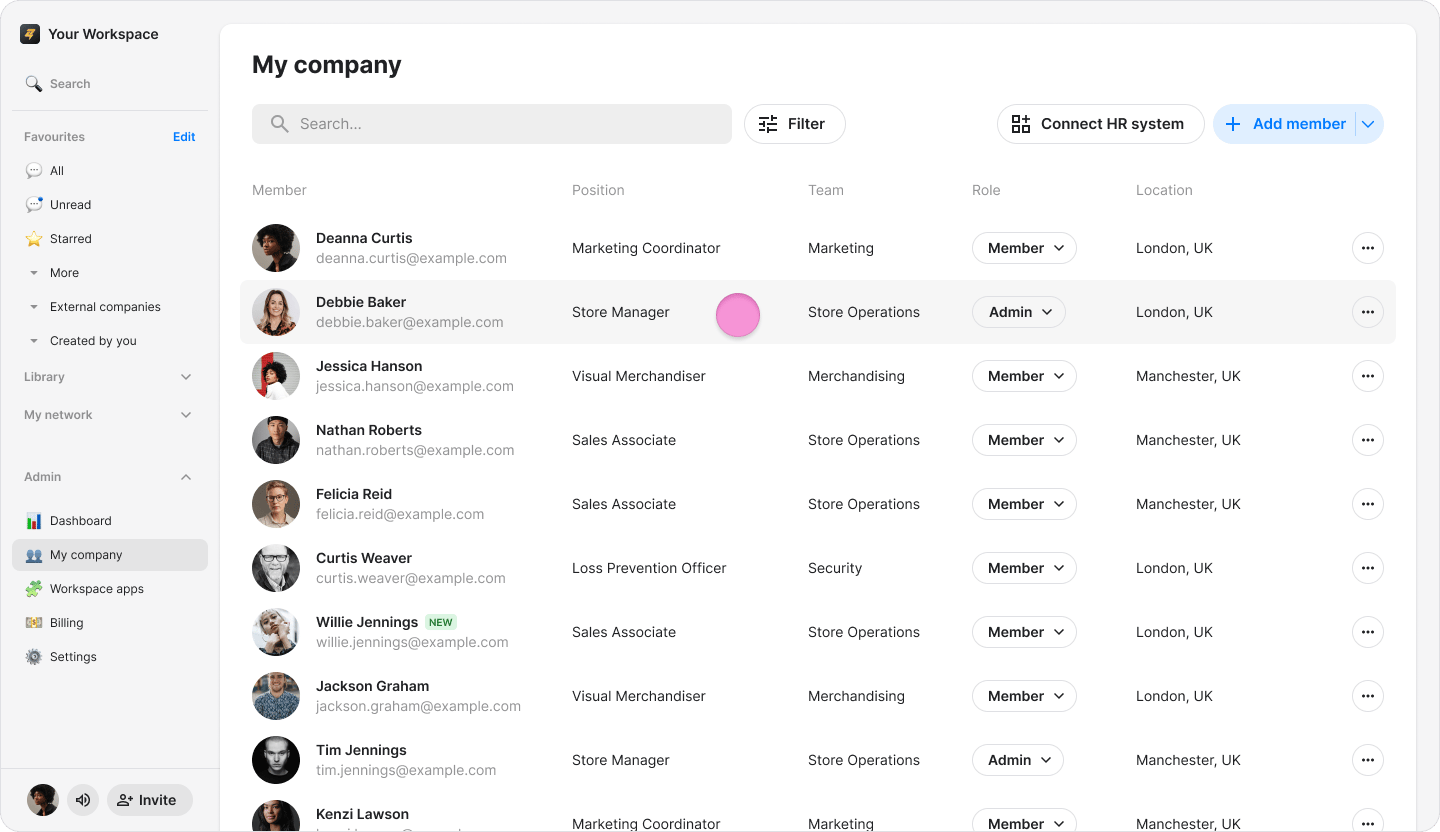
- Click “My company” in the sidebar menu (on macOS) or “Admin” (on Windows and Web).
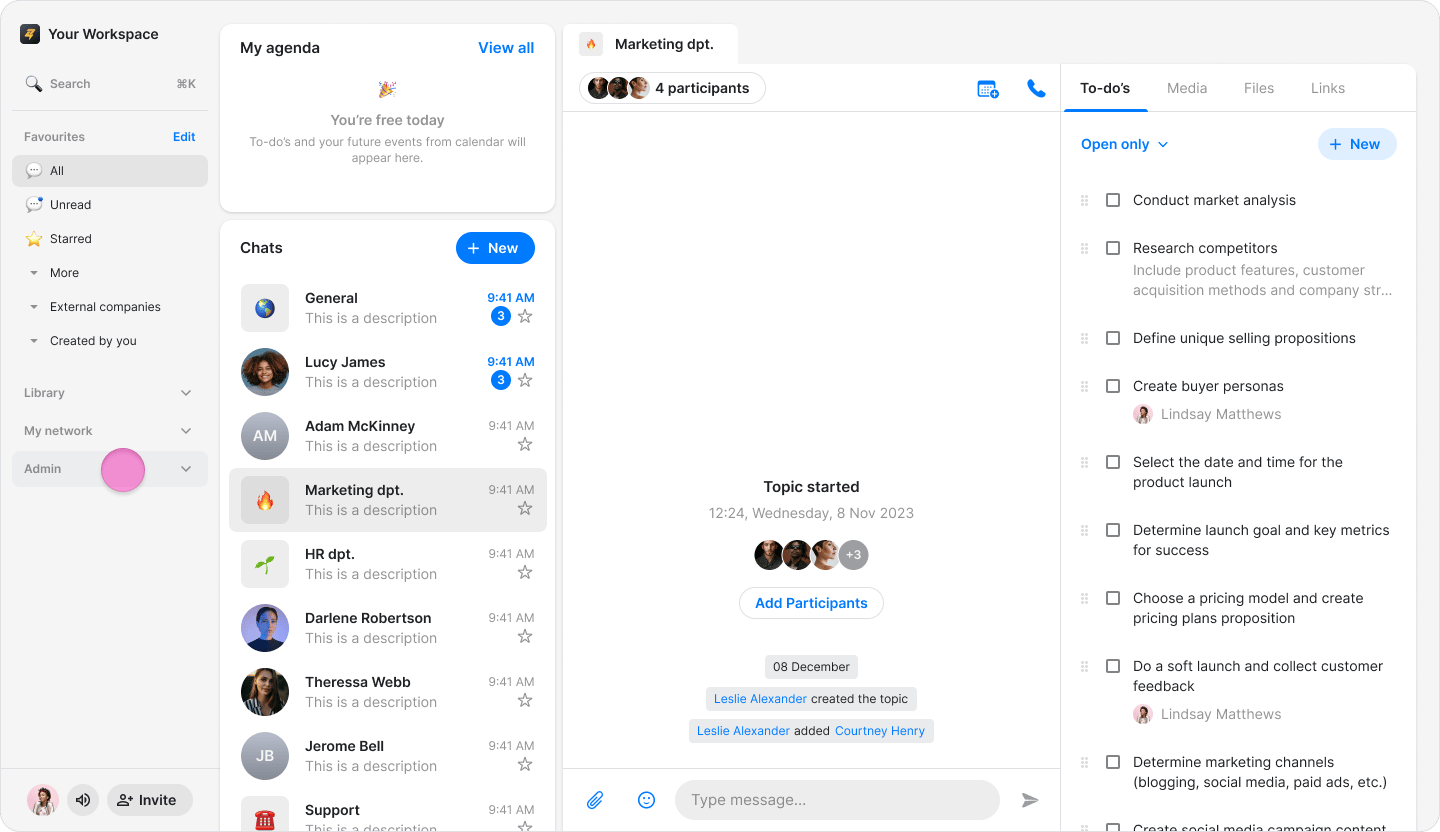
- Search for or click the user you want to remove.
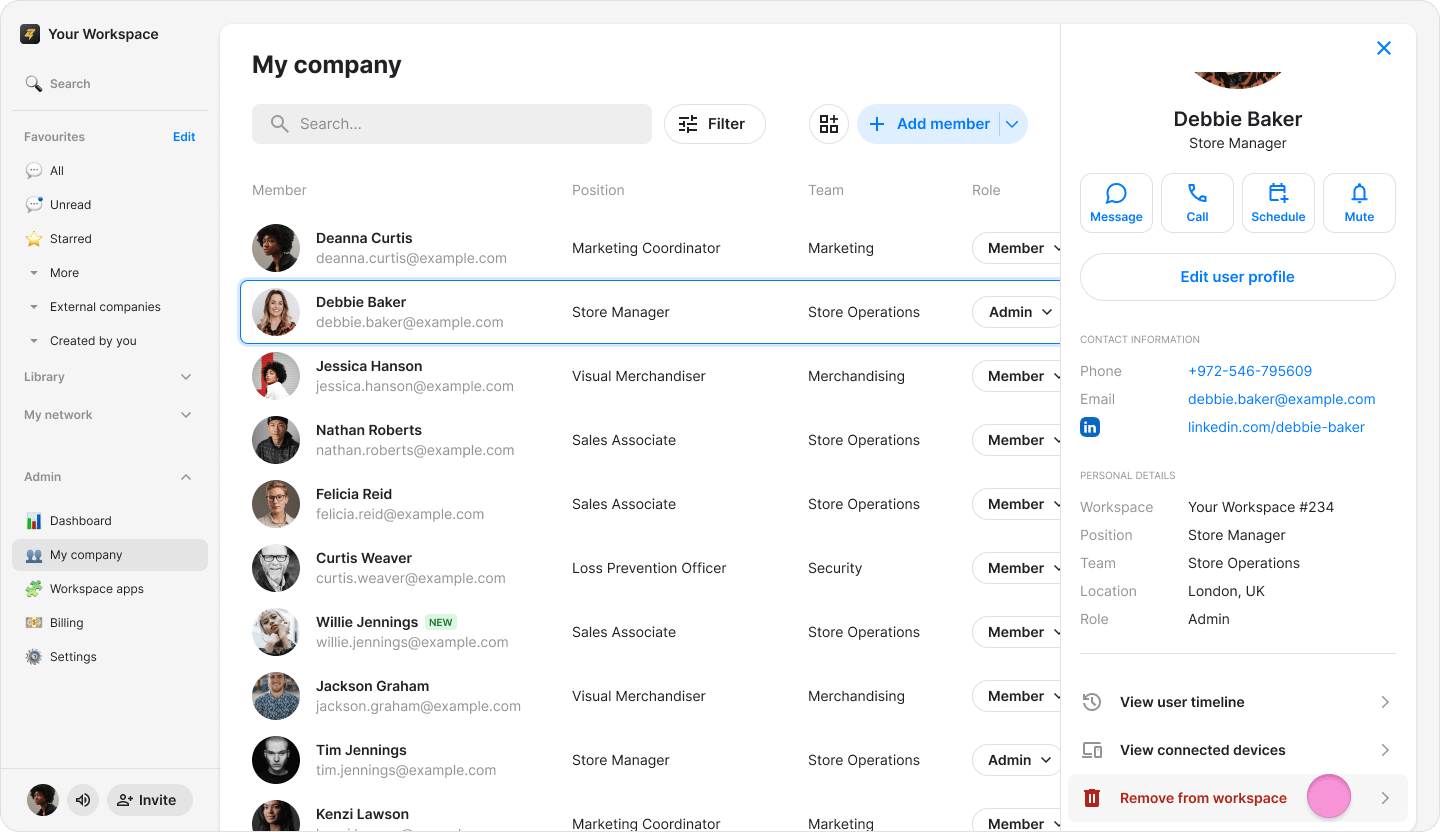
- Click “Remove from workspace”.
- Click “Confirm” to complete the removal.