
On Mobile (iOS)
- Open a chat.
- Tap the ”+” button on the bottom-left.

- Select “Contact” from the menu.
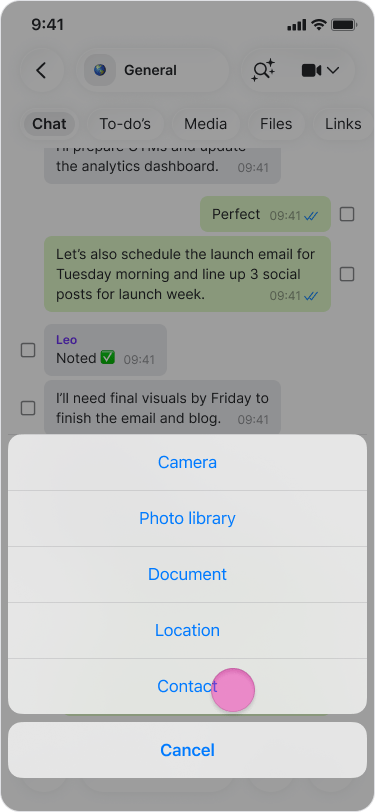
- Search for and select the contacts you want to share.
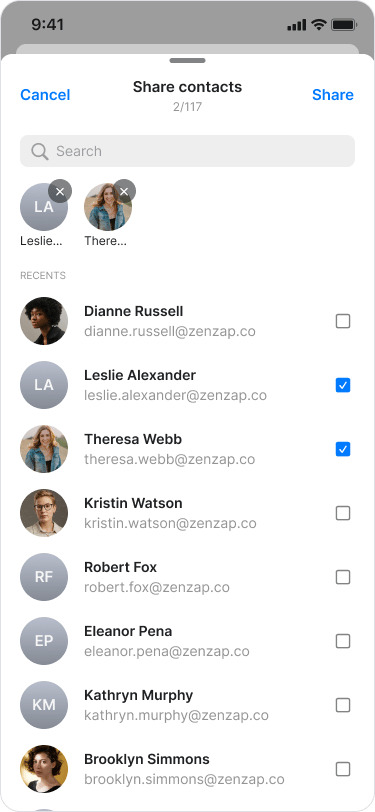
- Tap “Share” to send them to the chat.
On Mobile (Android)
- Open a chat.
- Tap the “paper clip” icon in the message field.

- Select “Contact”.
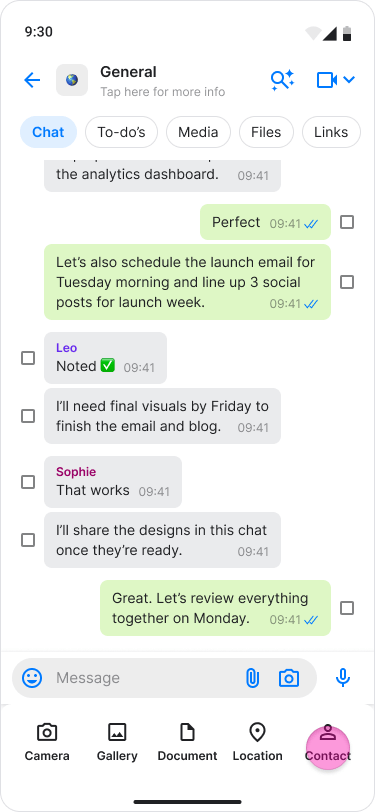
- Search through your contacts
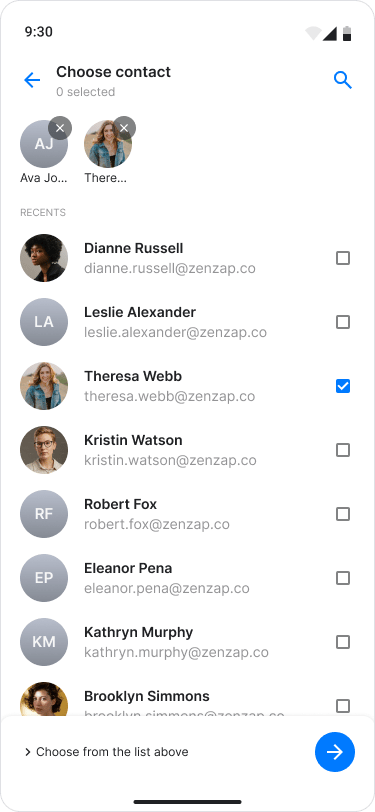
- Select the checkbox for each contact you want to share.
- Tap the “Arrow” button to confirm and send.